
Free 14-day trial
Every feature included
- Days 1 to 7Everything works, with no notice.
- Days 8 to 14A small reminder shows on the stream for 20 seconds every 30 minutes.
- After day 14Streaming pauses until you choose a plan.
For Windows 10 and 11 · On the Microsoft Store
Your NVR, DVR or VMS finds the PC over ONVIF, shows the screen live and records it next to your other cameras.
 RTSP
Free 14-day trial with every feature. Choose a plan only if you keep it.
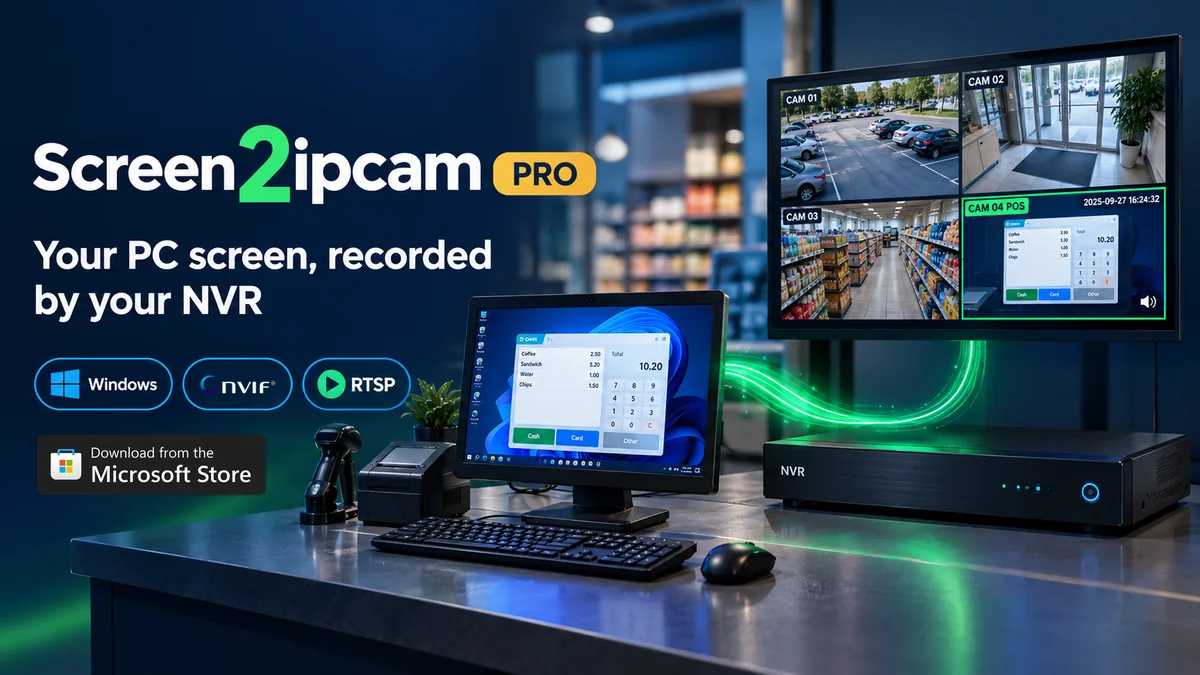
Works with ONVIF and RTSP recorders and VMS software, including
See it in action
Watch a Windows PC being added to an NVR and recorded like any other camera.
Videos load from YouTube only when you press play.
How it works
Free download. Start your 14-day trial from the welcome screen.
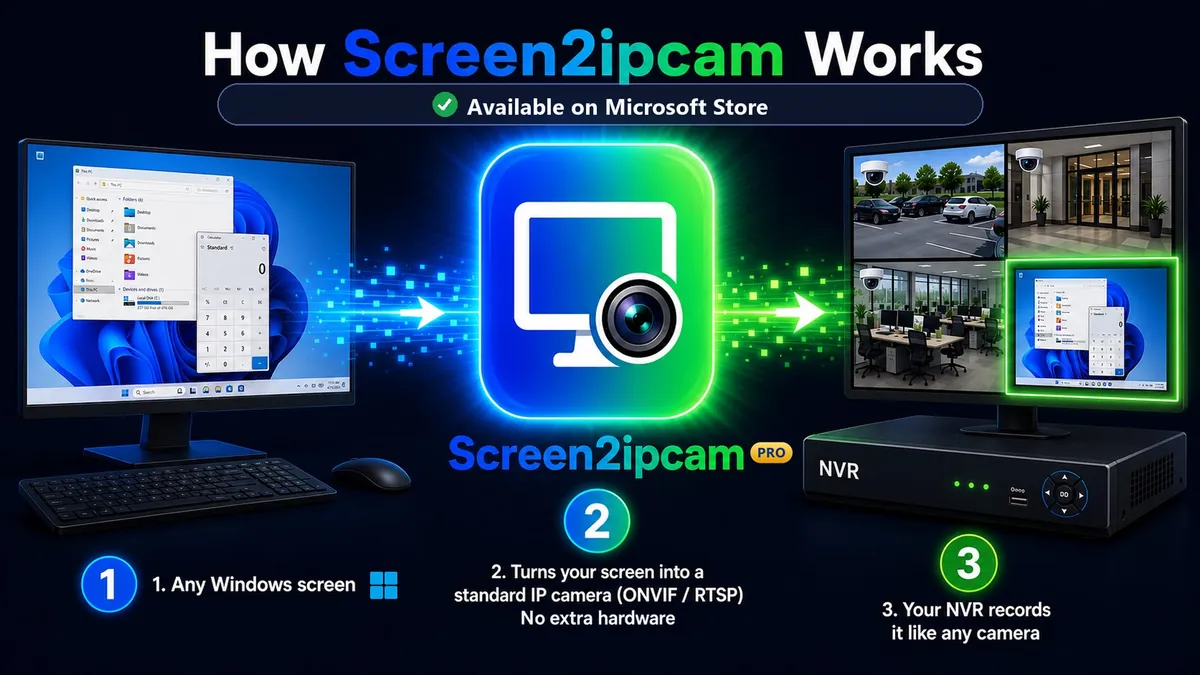
Your NVR finds the PC through ONVIF. You can also add it by IP address or with the RTSP link.
Live view, playback and motion recording, just like your other cameras.
Made for real screens
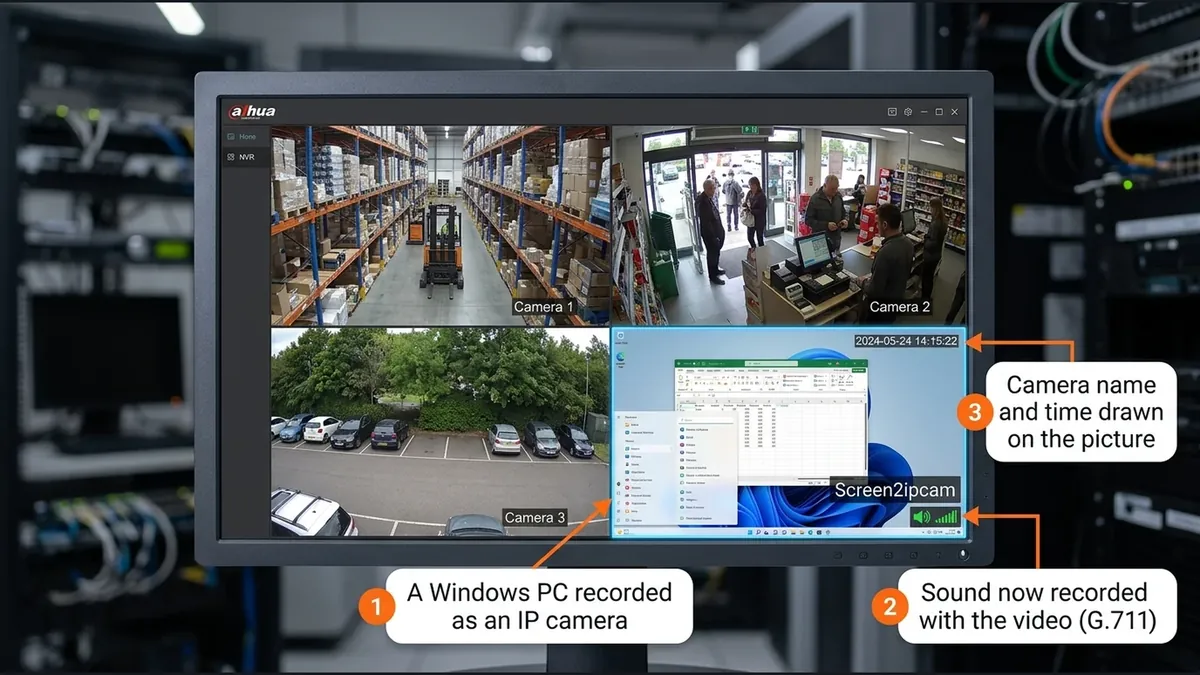
See what happened at the till, side by side with the counter camera, with the time on the picture.
Keep a recorded history of the screens your team watches.
Check what your displays really showed, and when.
Any screen you are allowed to monitor, in the same recorder as your cameras.
Features
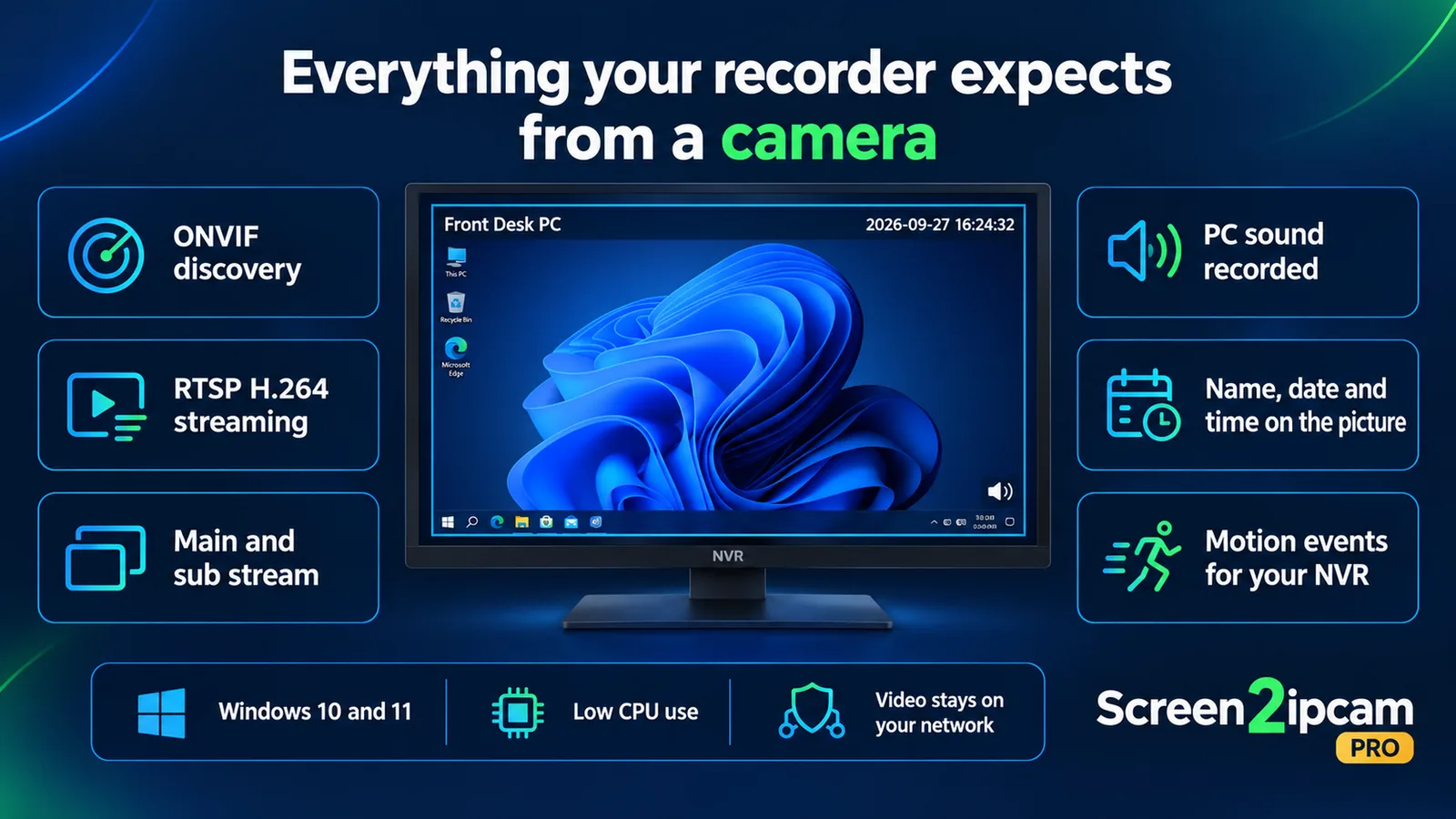
Your recorder discovers the PC automatically, like any ONVIF camera. Or add it by IP.
Standard H.264 video over RTSP for NVRs, VMS software and players.
Full quality for recording and a light stream for live view.
Record the sound of the computer together with the video.
The camera name and the date and time are drawn on the picture.
Your recorder hears when the screen changes, so it can record on motion.
Pick the monitor to stream and show or hide the mouse pointer.
Change settings from a browser on your network, in English or Arabic.
Low CPU use while streaming, so the PC keeps doing its real job.
Your video stays on your own network. It is never sent to us.
Why software
| Compare | Capture card or HDMI encoder | Screen2ipcam Pro |
|---|---|---|
| Extra hardware for each screen | Needed | None |
| Cables to the recorder | HDMI runs and adapters | Your existing network |
| Setup | Install and power a device | Install an app and add it to your NVR |
| Camera name, time and PC sound | Depends on the device | Built in |
Plans
Every feature included
One year of Screen2ipcam Pro
One purchase, no renewals
You choose a plan inside the app, in the License tab, and pay through the Microsoft Store. The Store shows the price in your local currency.
FAQ
Any NVR, DVR or VMS that supports ONVIF or RTSP, for example Hikvision, Dahua, Uniview, XMEye and Blue Iris.
No. The video goes from your PC to your recorder over your own network. The app contacts our server only to run the trial and recognize your plan. Read the privacy policy.
The trial needs internet to start and to keep running. With the Golden License · Lifetime activation, it works offline too.
Streaming pauses until you choose a plan in the License tab of the app. There is nothing to reinstall.
Manage or cancel it at any time from your Microsoft account, under Services and subscriptions.
Install Screen2ipcam Pro from the Microsoft Store with the same Microsoft account, then press "Restore purchase" in the License tab.
Windows 10 version 1809 or later, 64-bit, on the same network as your recorder.
Use Screen2ipcam Pro only to monitor screens you own or are allowed to monitor, and follow the laws where you use it.
Contact
Ask anything before you buy, or get help adding your PC to your recorder.
Emailsupport@screen2ipcam.com WhatsApp support+1 813 406 0355We reply as soon as we can, usually the same day.
Free download from the Microsoft Store. 14-day trial with every feature.