
Why record a computer screen on the recorder?
The camera shows the cashier, but not what was typed on the screen: voids, discounts, refunds and edited receipts.
With Screen2ipcam the PC screen becomes its own camera channel on the NVR or DVR, recorded on the same disk and the same timeline.
No capture card, no HDMI encoder, no extra PC, and nothing to install on the recorder.
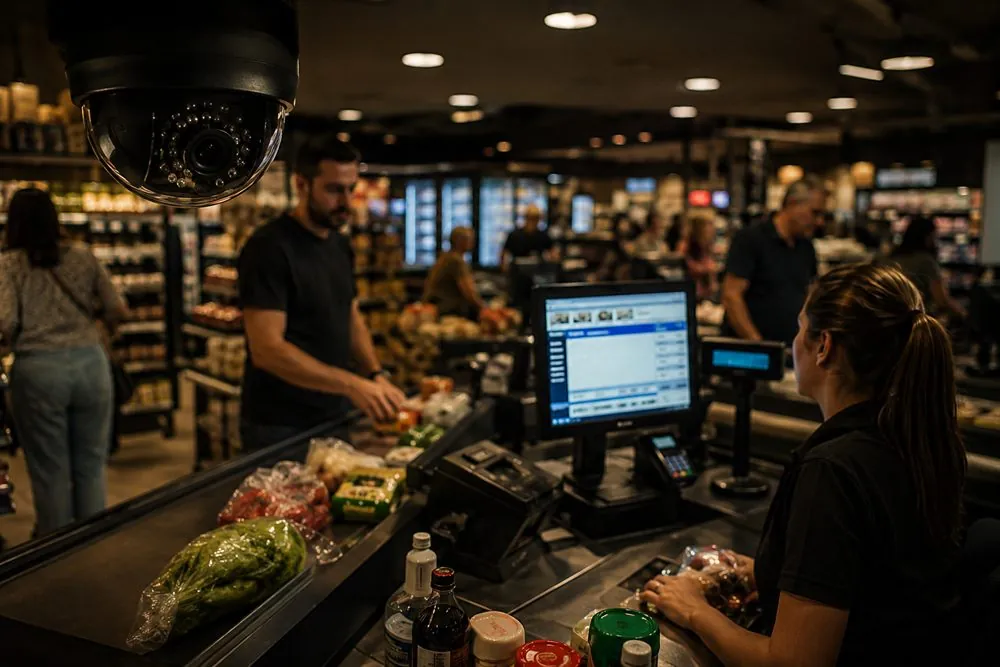
How to record a PC screen on an NVR or DVR
Works with the recorders you know
Hikvision, Dahua, XMEye, Uniview, Intelbras, and VMS software such as Milestone, Blue Iris and Nx Witness, plus any device that supports ONVIF or RTSP.
FAQ
Can I record a computer screen on a DVR?
Yes, if the DVR accepts IP channels (most modern hybrid XVR / HVR models do). On an NVR it always works, because NVRs are made for IP cameras.
Do I need a capture card or an HDMI cable?
No. Screen2ipcam is software only. It sends the screen over the network as an RTSP stream, so no extra hardware is needed.
Does it work without internet?
Yes. The stream stays on your local network and the license activates offline.
How do I stream a POS screen over RTSP to my recorder?
Install the app on the POS, then add it on the NVR as ONVIF or with rtsp://IP:554/screenlive. The till screen appears as a channel next to the store cameras.
Does it run on Windows 7 and older PCs?
Yes, from Windows 7 SP1 to Windows 11 and Windows Server, 32 and 64-bit, at about 2% CPU.
How much does it cost?
A full 14-day free trial, then a lifetime license for $20 per PC, one payment with no subscription.