
Screen2ipcam
English
Free download
Use cases

Any screen worth recording

Your cameras show the people. Screen2ipcam adds the screen they are working on, so your NVR or VMS records both side by side, on the same timeline.

ONVIF / RTSPAny NVR or VMSNo capture cardWindows 7 to 11 and Server
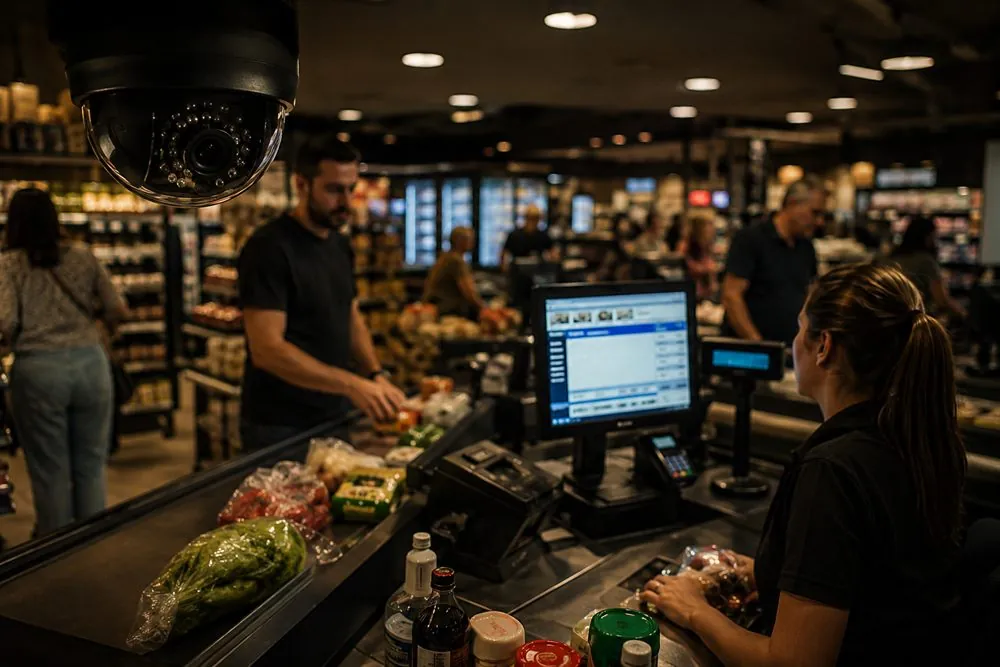
A Windows screen recorded next to the security camera: Supermarkets and checkout lanes

Supermarkets and checkout lanes

See every scan, void and refund on the till screen, next to the camera over the lane.
  • Match a receipt to the exact moment on video
  • Spot voids, discounts and cash refunds
  • One timeline instead of two systems
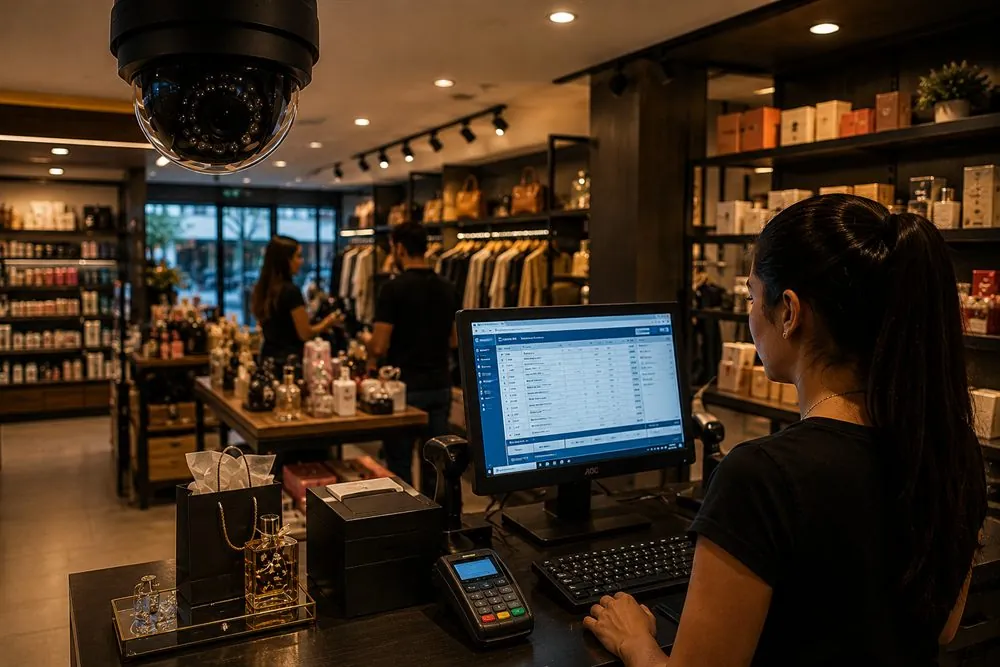
A Windows screen recorded next to the security camera: Retail stores and boutiques

Retail stores and boutiques

Record the POS screen at the counter, so a disputed sale or return can be checked in seconds.
  • Returns and exchanges on record
  • Price changes and manual discounts
  • Works with the recorder you already have
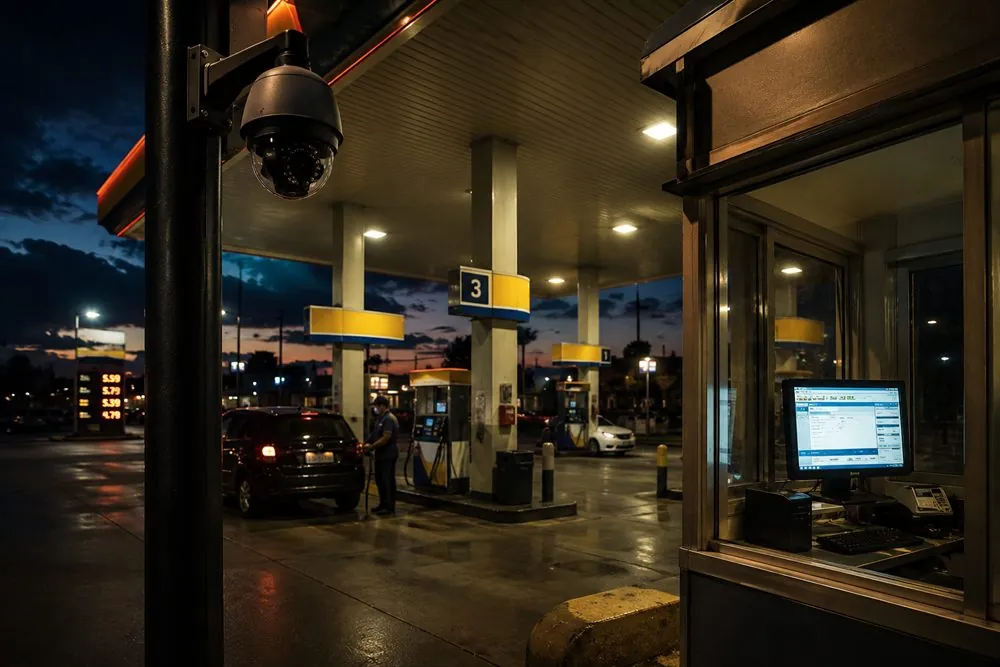
A Windows screen recorded next to the security camera: Fuel stations

Fuel stations

Keep the cashier kiosk screen on the same recorder as the forecourt cameras.
  • Pump, payment and screen in one view
  • Night shifts reviewed in minutes
  • Watch live from your NVR mobile app
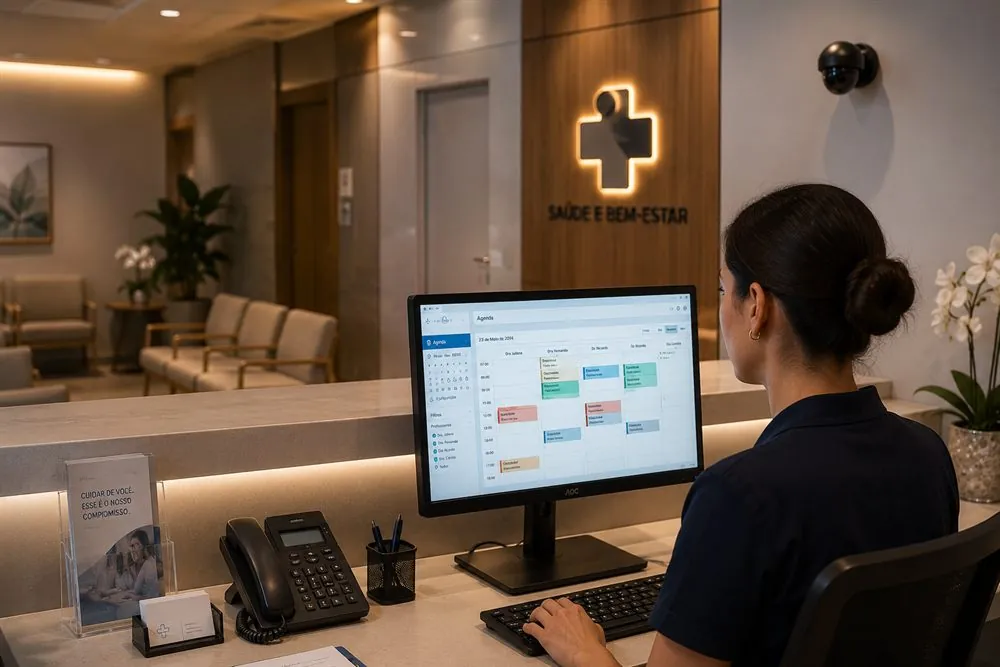
A Windows screen recorded next to the security camera: Clinics and reception desks

Clinics and reception desks

Record the booking and billing screen at the front desk, alongside the reception camera.
  • Check appointments and payments later
  • Settle disputes with the screen itself
  • Optional mouse pointer in the picture
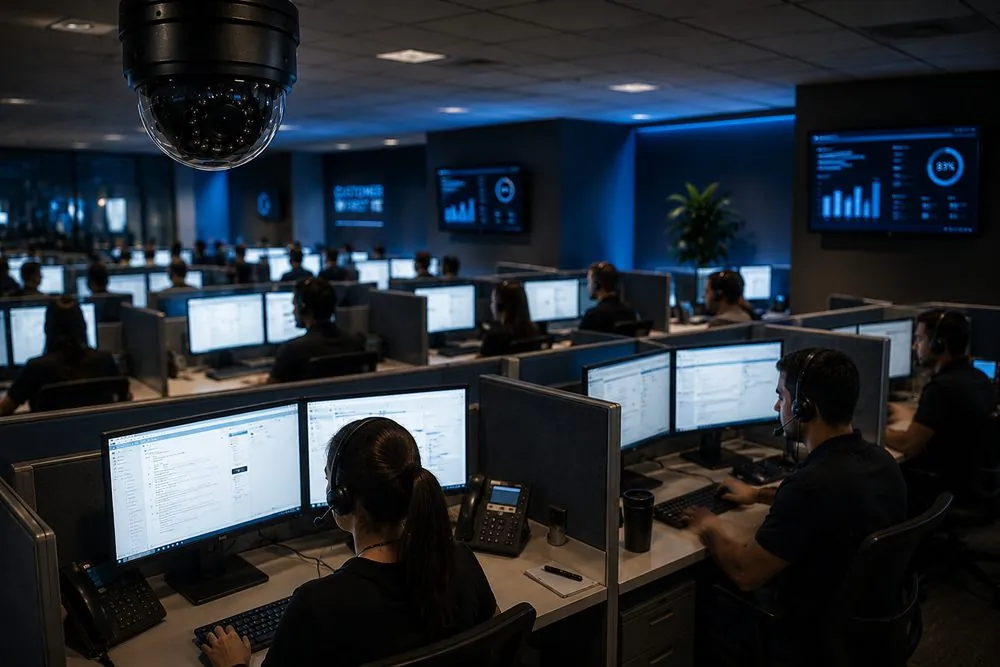
A Windows screen recorded next to the security camera: Call centers and customer service

Call centers and customer service

Record agents' screens for quality checks and training, on the NVR or VMS you already run.
  • Review how each case was handled
  • Train new staff with real examples
  • Motion events: record only when the screen changes
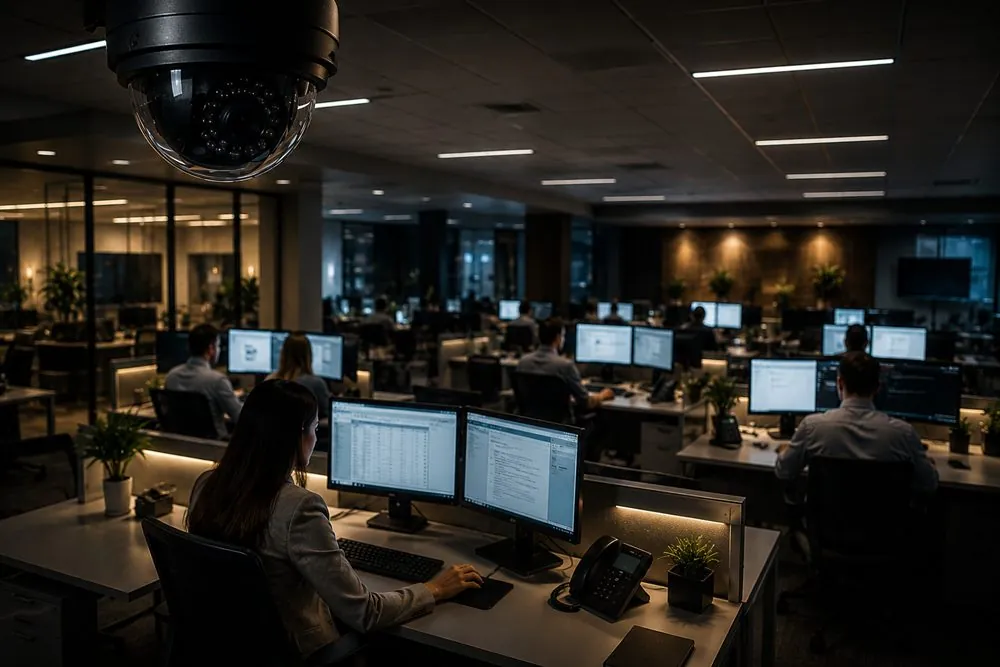
A Windows screen recorded next to the security camera: Offices, finance and back office

Offices, finance and back office

Keep a record of what happened on sensitive workstations: accounting, approvals and data entry.

  • An audit trail you can rewind
  • Camera name, date and time on the picture
  • Nothing to install on the recorder

More places it fits

Schools and trainingLab, lecture and training room screens
FactoriesSCADA, HMI and production line screens
WarehousesWMS and dispatch screens with the site cameras
Labs and medical devicesInstrument and monitoring screens
Exam centersEvery exam workstation on the recorder
Remote branchesA screen at another site, in the system you already use
Control rooms and signageDashboards and displays kept on the NVR
Any Windows PCIf it is on a screen, it can be recorded

How it works

Install on the PCA small Windows app, about 2% CPU. No extra hardware.
Add it to your recorderYour NVR or VMS finds it as an ONVIF camera, or add it by IP.
Record and search togetherThe screen sits next to your cameras, with the same playback and export.
Record a PC screen on an NVR / DVR →

Try it on your own screen

Free 14-day trial with every feature. Lifetime license from $20 per PC.

Free downloadSee pricing