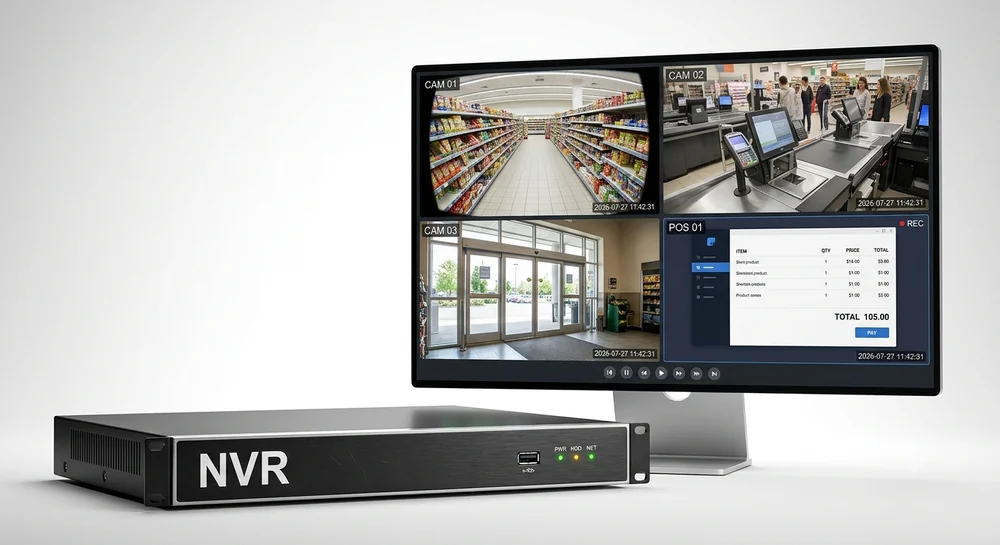
Dahua NVRs and XVRs support ONVIF cameras from other brands. Screen2ipcam turns a Windows screen into exactly that: a standard ONVIF Profile S camera with an H.264 RTSP stream.
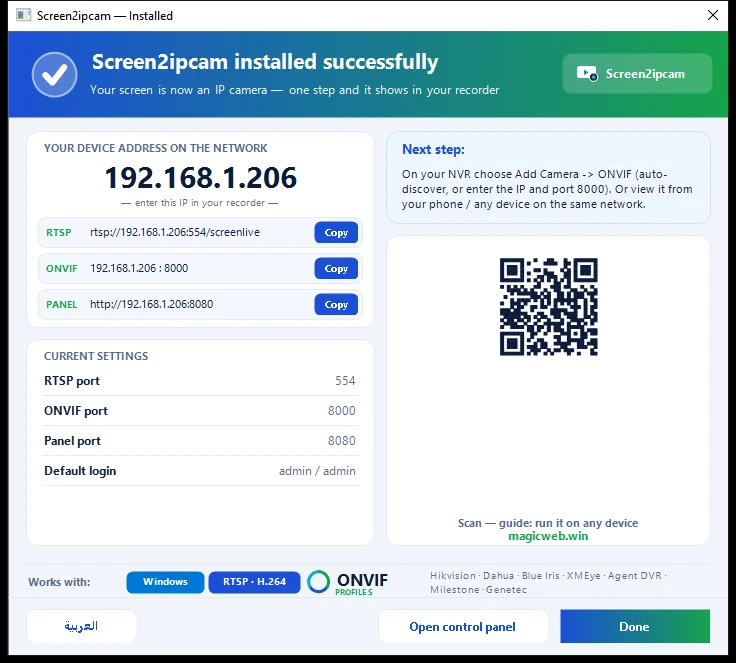
ONVIF port8000 (TCP)
RTSP port554 (TCP)
DiscoveryWS-Discovery, UDP 3702
Web panel8080
Default useradmin / admin (change it in the Users tab)
Main streamrtsp://PC-IP:554/screenlive
Sub streamrtsp://PC-IP:554/screensub
1. Set up the PC
- Download Screen2ipcam from
screen2ipcam.comon the PC whose screen you want to record, and run the installer. - Give the PC a fixed IP address (or a DHCP reservation on the router), so the recorder never loses it.
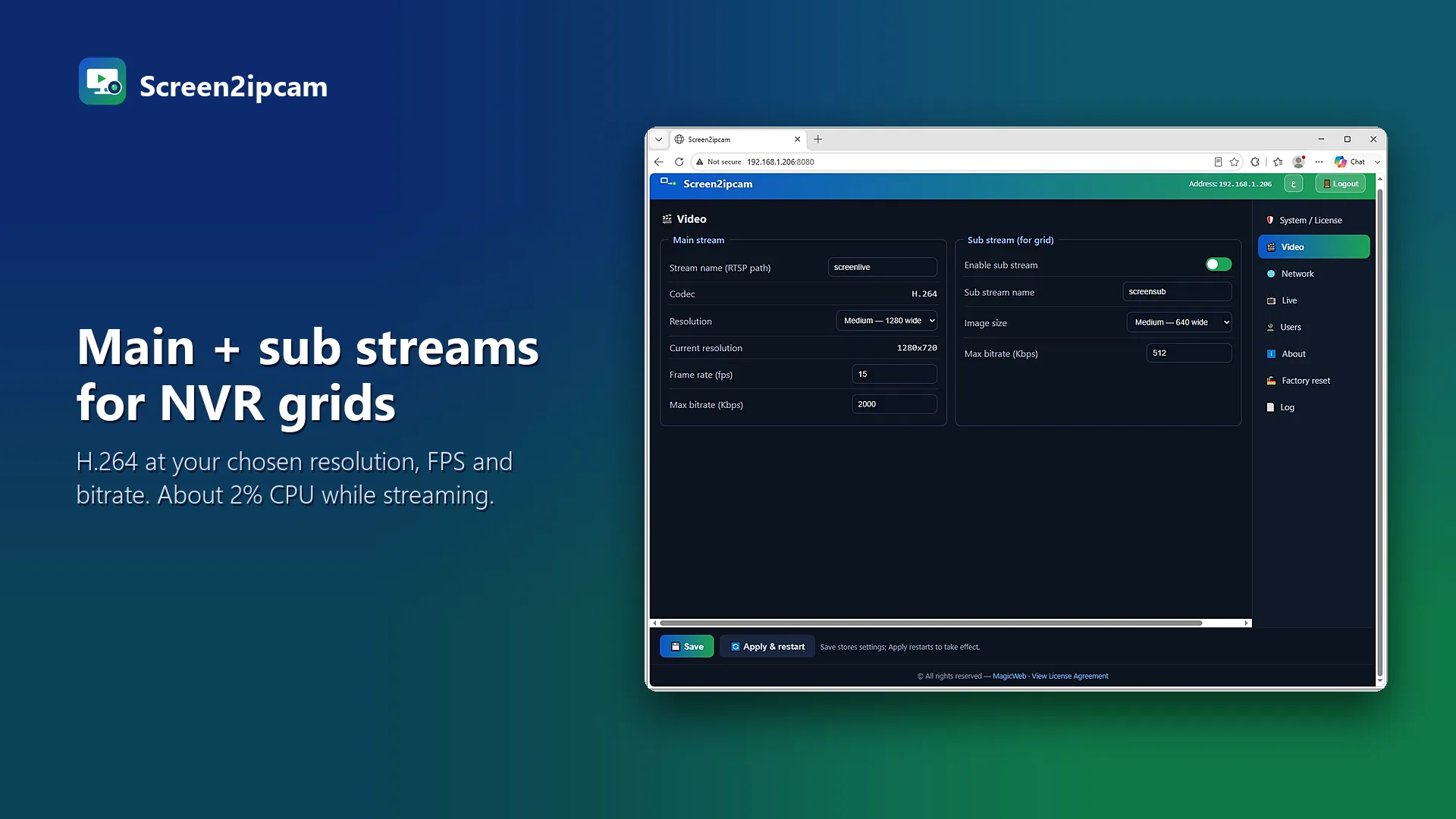
- Open the control panel. In the Video tab pick the screen, resolution, frame rate and bitrate. For text screens like a cash register, around 10 FPS is plenty.
- Allow Screen2ipcam in Windows Firewall when Windows asks (private networks).
2. Add it with Device Search
- Open Camera → Registration on the recorder.
- Click Device Search. The PC appears as an ONVIF device.
- Select it, click Add, then edit the channel and enter the Screen2ipcam user and password.
3. Or add it manually
- In Camera → Registration, click Manual Add.
- Choose the ONVIF manufacturer / protocol.
- Enter the PC IP, ONVIF port
8000, the user and the password. - Apply, then confirm the live view.
💡
Tip
If Device Search does not show the PC, check that UDP 3702 is allowed on the PC (WS-Discovery) or simply use Manual Add.
Try it on your own NVR14-day full trial · $20 one-time per PC · free edition on the Microsoft Store
Download free trial4. Check and record
Open the live view: you should see the PC screen. Then set the channel to continuous or motion recording in the recording schedule.
FAQ
Does it work with Dahua XVRs too?
Yes, if the XVR can add ONVIF IP cameras. The steps are the same.
What if the channel shows offline?
Allow ports 8000 and 554 in Windows Firewall, check the password, and test rtsp://PC-IP:554/screenlive in VLC.