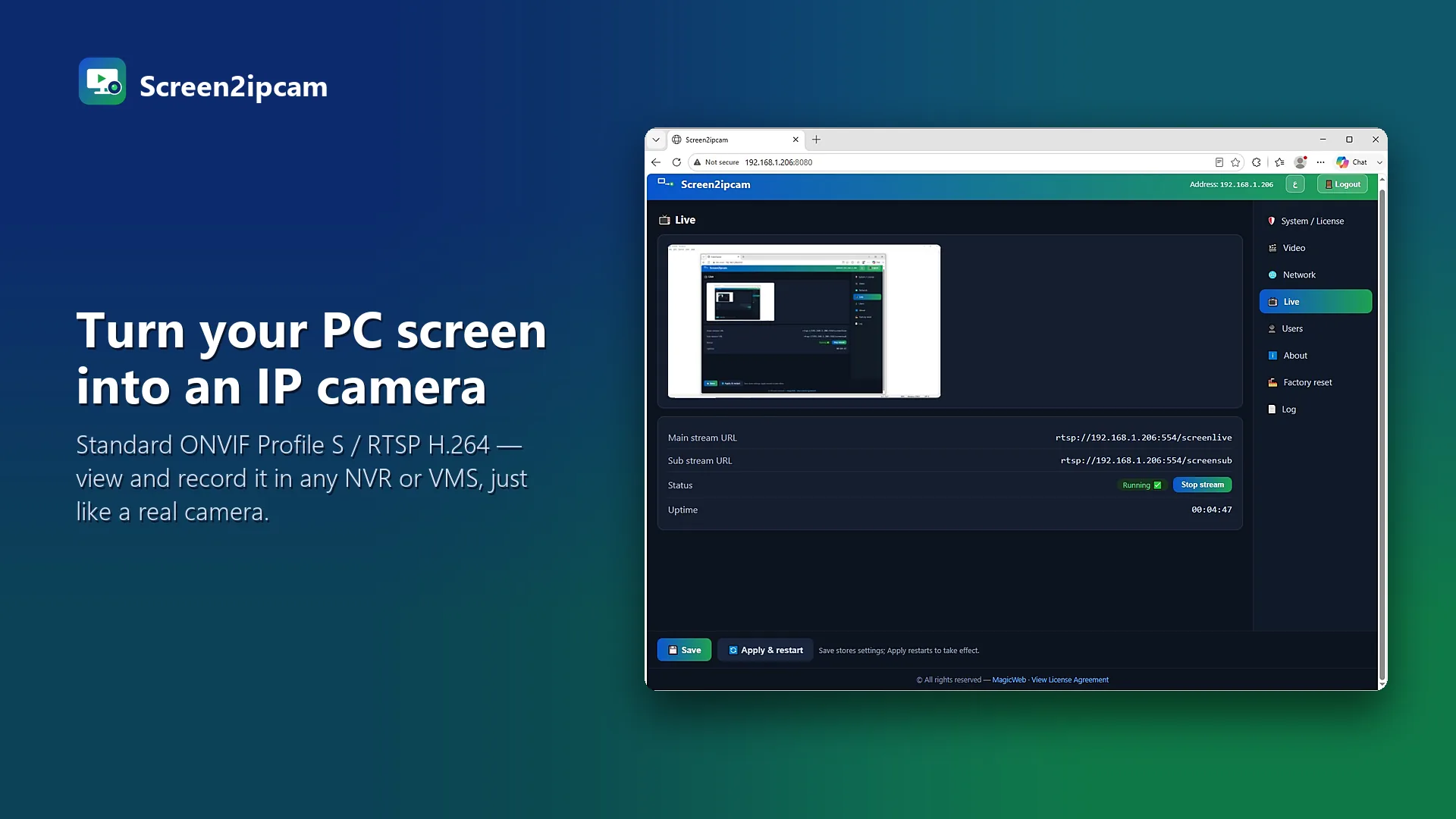
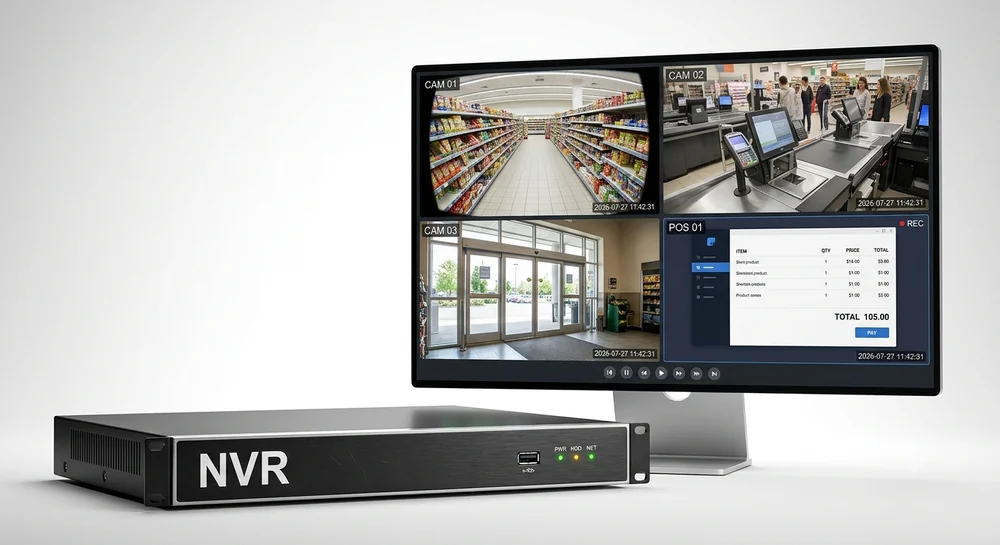
Hikvision NVRs add third-party cameras over ONVIF. Screen2ipcam makes a Windows PC speak ONVIF, so the NVR sees the screen as one more IP camera, with a main stream for recording and a sub stream for the live grid. No capture card and no HDMI encoder.
What you need
- A Windows PC (Windows 7 SP1 to 11, or Windows Server) on the same network as the NVR.
- A Hikvision NVR with a free channel and ONVIF support (most models).
- Screen2ipcam. The 14-day trial has every feature.
1. Set up the PC
- Download Screen2ipcam from
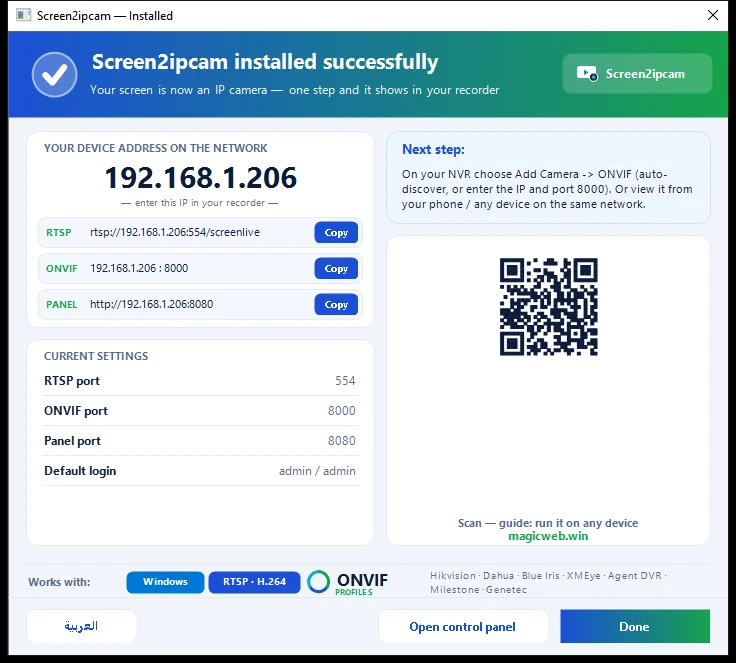
screen2ipcam.comon the PC whose screen you want to record, and run the installer. - Give the PC a fixed IP address (or a DHCP reservation on the router), so the recorder never loses it.
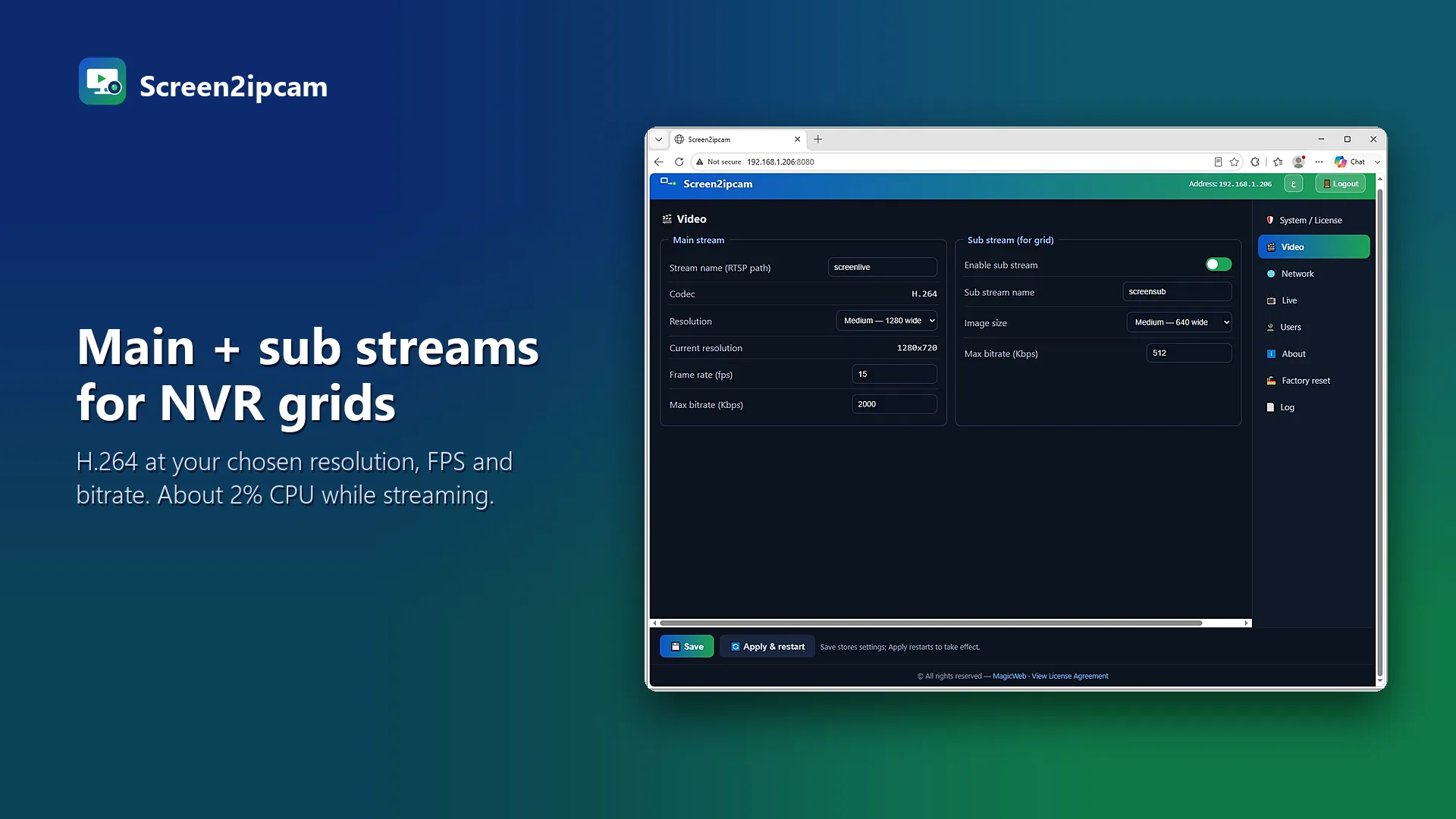
- Open the control panel. In the Video tab pick the screen, resolution, frame rate and bitrate. For text screens like a cash register, around 10 FPS is plenty.
- Allow Screen2ipcam in Windows Firewall when Windows asks (private networks).
2. Add it on the Hikvision NVR
Menu names change a little between firmware versions, but the path is the same idea:
- Go to Configuration → System → Camera Management (on some models: Camera → IP Camera).
- Click Custom Add (or Add) and set the protocol to ONVIF.
- Enter the PC IP address, management port
8000, useradminand the password. - Save. The screen appears as a new channel with a main and a sub stream.
If the PC has a VPN or several network cards, open the VPN tab and pick the address the NVR should see. Otherwise the NVR may get the VPN address and never connect.
3. Turn on recording
Set the new channel to continuous or motion recording. Screen2ipcam can send ONVIF motion events when the screen changes, so the NVR saves only the moments that matter. Then search and export the screen like any camera footage.
If the channel stays offline
- Firewall: check that ports 8000 and 554 are allowed on the PC.
- Password: the channel status shows a login or authentication error. Re-enter the Screen2ipcam user.
- Wrong network: on a PC with a VPN, choose the LAN address in the VPN tab.
- Test without the NVR: open
rtsp://PC-IP:554/screenlivein VLC. If VLC plays it, the PC side is fine.
FAQ
Which port does a Hikvision NVR use to add a PC screen?
The ONVIF port of Screen2ipcam, 8000 by default. Video then flows over RTSP on port 554.
Can I record more than one PC?
Yes. Install Screen2ipcam on each PC. Each one becomes its own channel.
Does it slow the PC down?
It uses about 2% CPU and runs as a Windows service, even on older POS machines.