Guides for putting screens on the record
How to record a PC, POS or dashboard screen on your NVR or VMS. Step by step, per brand, with real screenshots.
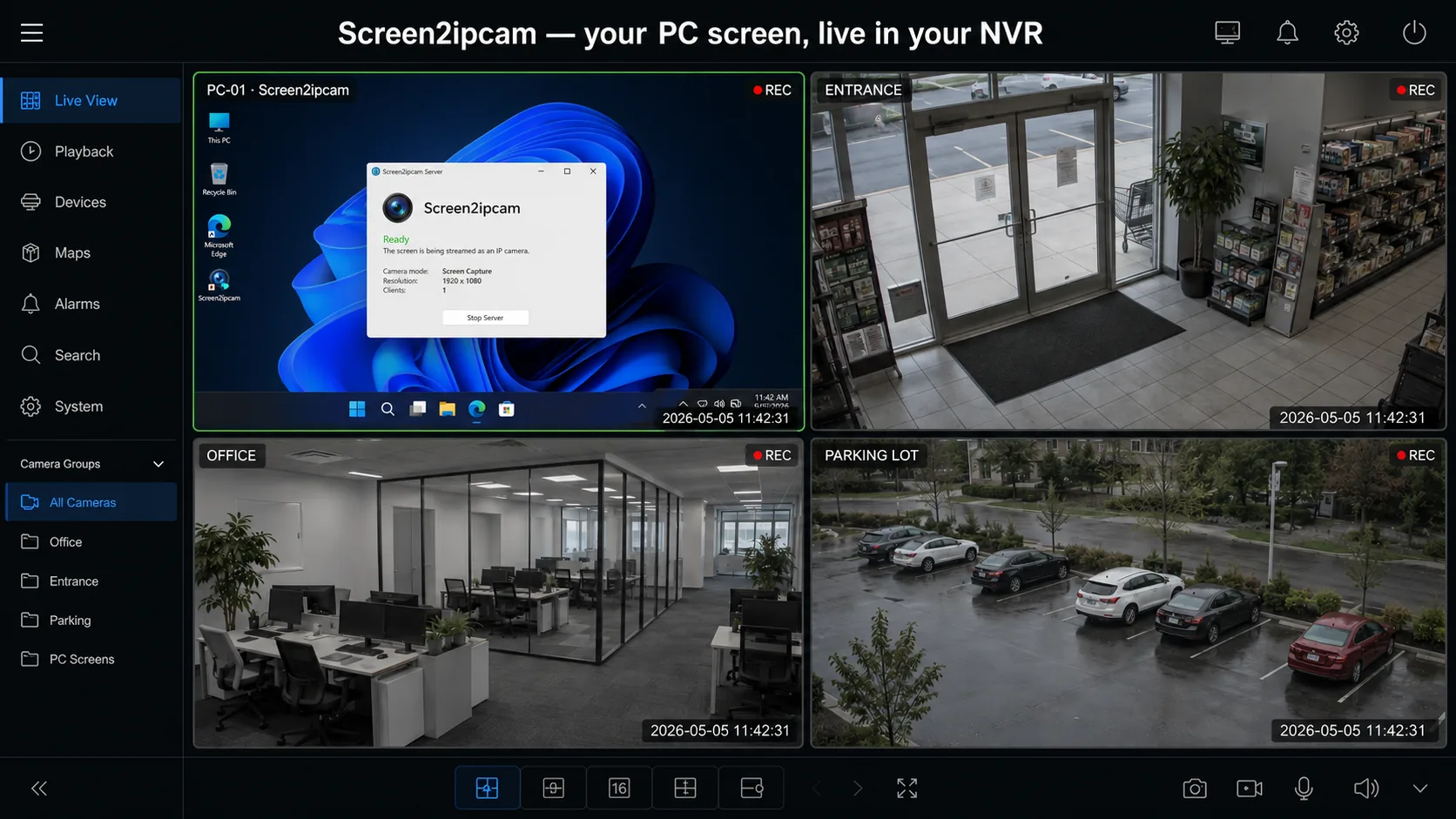
Turn a Windows PC into an ONVIF IP camera: the complete guide
Everything about turning a Windows PC screen into an ONVIF / RTSP IP camera for any NVR or VMS: how it works, setup, settings and use cases.
Read →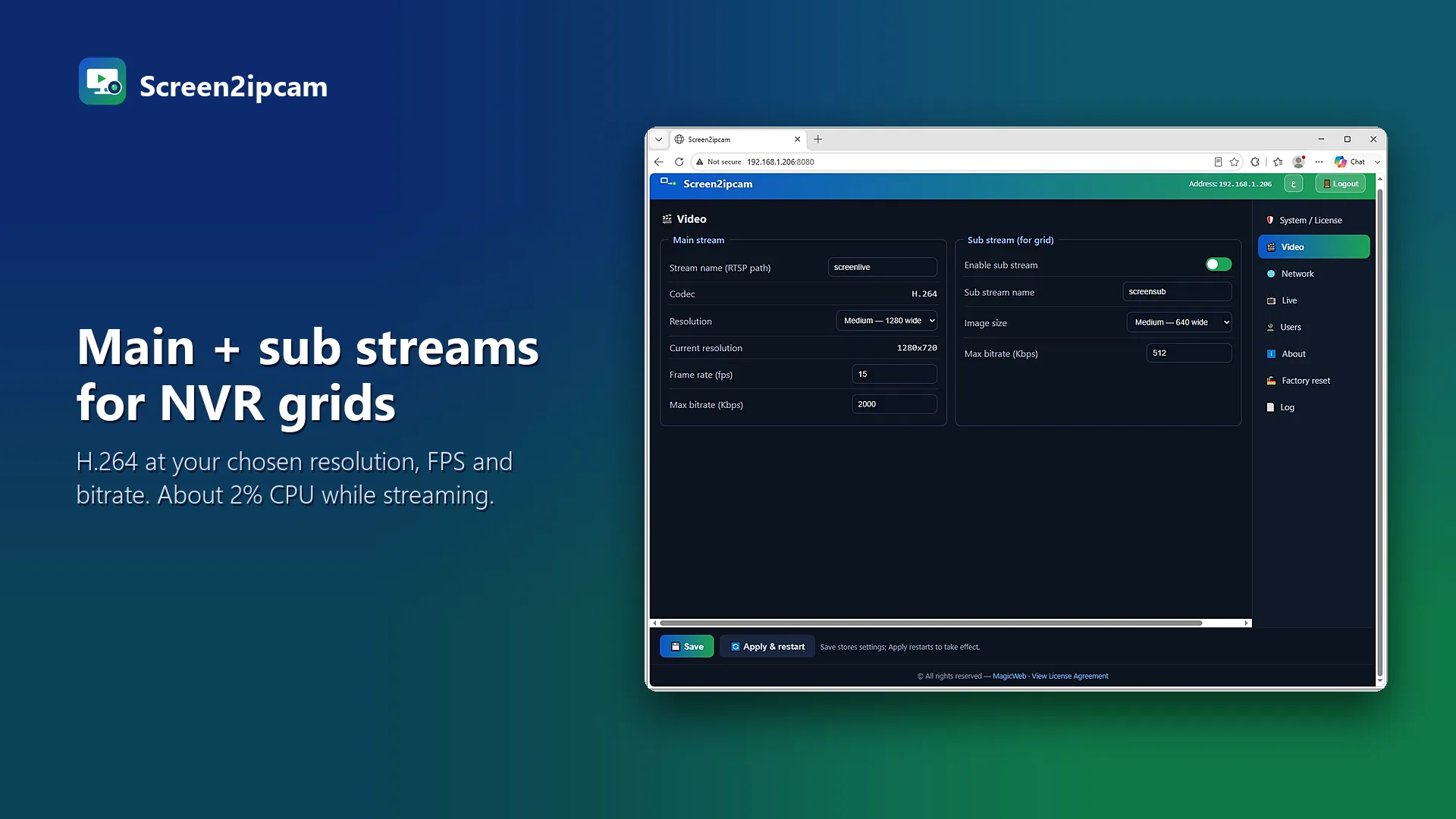
How to add a PC screen to a Hikvision NVR (ONVIF, step by step)
Add a Windows PC or POS screen to a Hikvision NVR as an ONVIF camera: install Screen2ipcam, open ports 8000 and 554, then add it in Camera Management.
Read →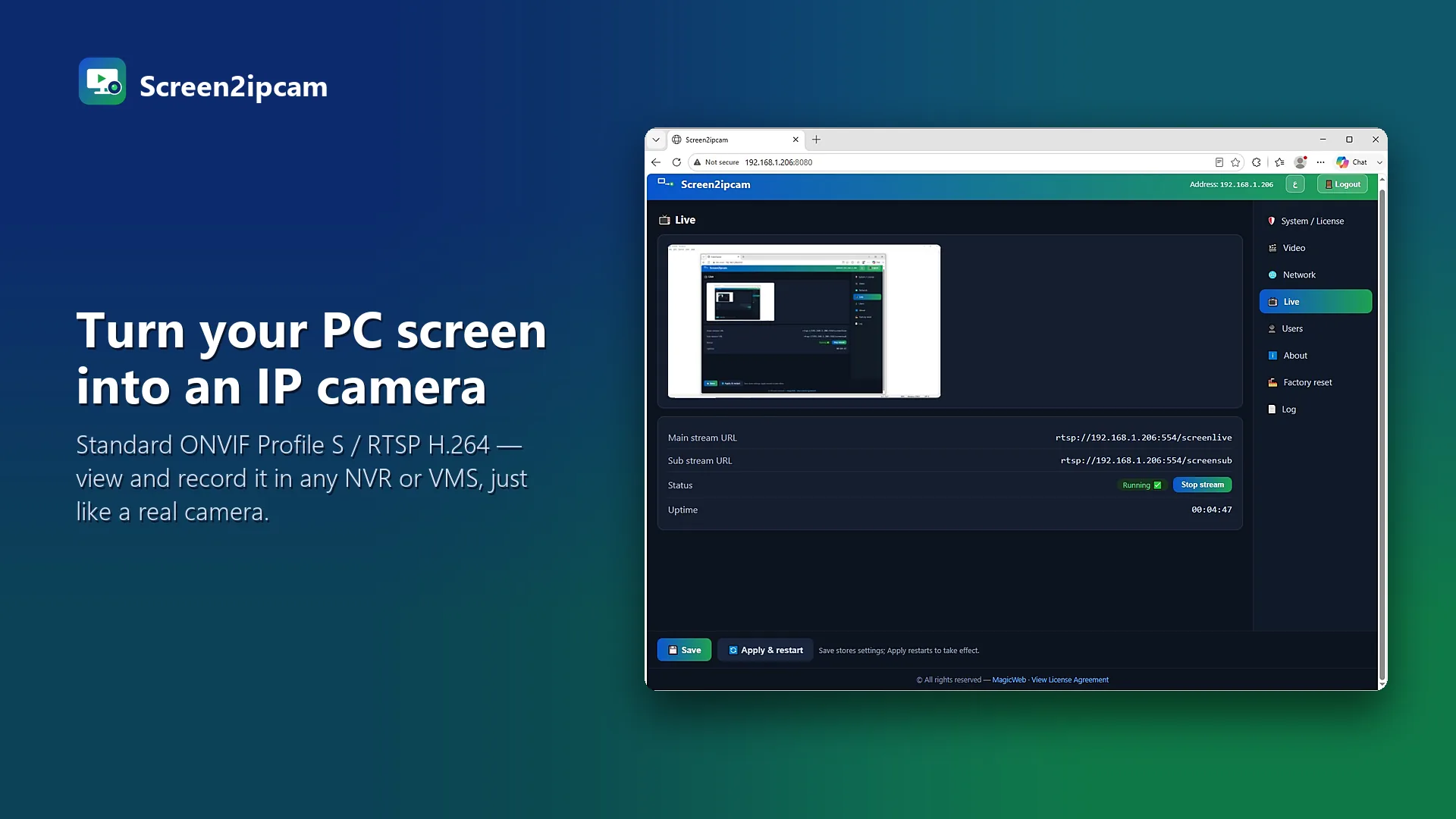
How to add a PC screen to a Dahua NVR as an ONVIF camera
Record a Windows PC screen on a Dahua NVR: install Screen2ipcam, then use Device Search or Manual Add with ONVIF on port 8000.
Read →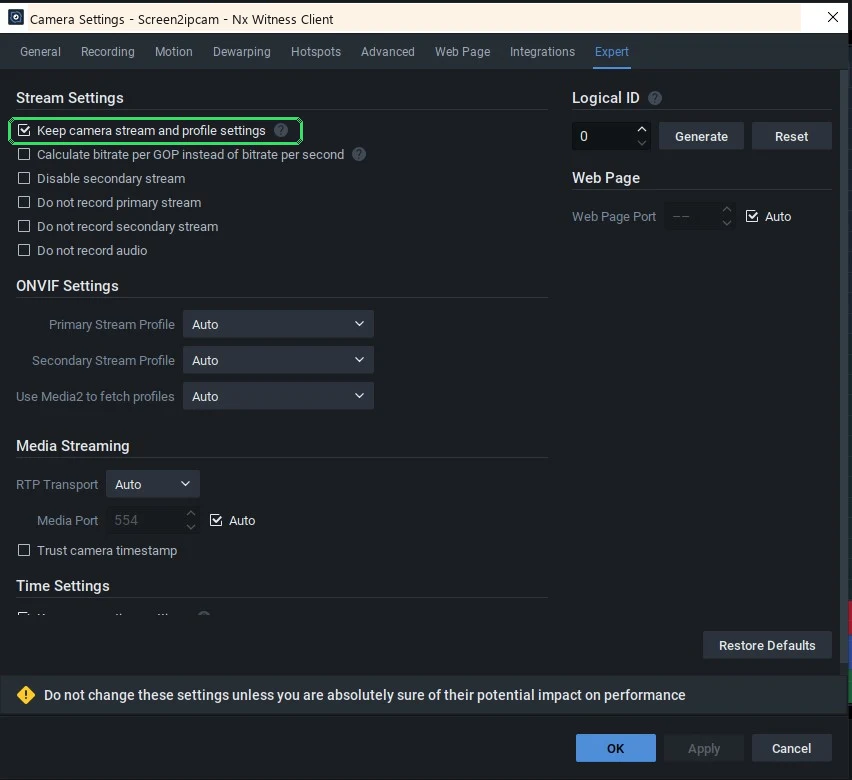
Nx Witness: add a Windows screen as a camera and keep it online
Add Screen2ipcam to Nx Witness by ONVIF discovery or Add Device, then check "Keep camera stream and profile settings" so the camera never drops.
Read →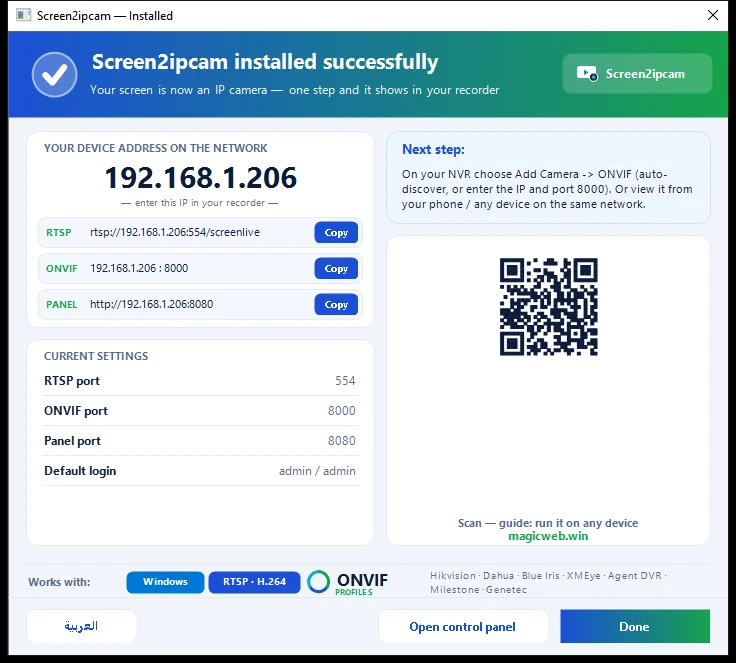
Blue Iris: add a Windows screen as an ONVIF / RTSP camera
Add Screen2ipcam to Blue Iris as a Network IP camera with Find/Inspect (ONVIF) or RTSP. Main stream for recording, sub stream for preview.
Read →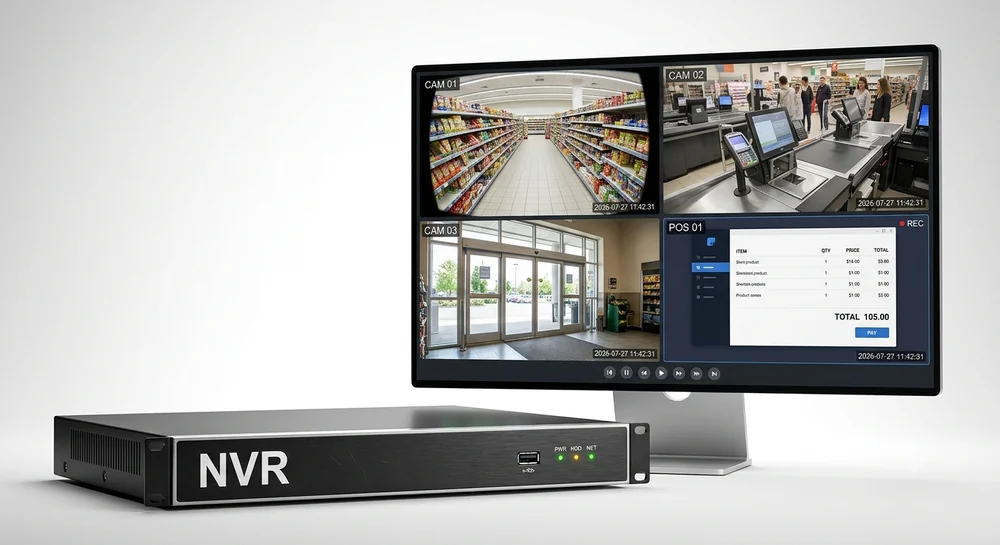
Record a POS screen on CCTV without a capture card
Record a cashier POS screen on your NVR next to the camera, in software: no capture card or HDMI encoder. Settings, cost and setup for retail.
Read →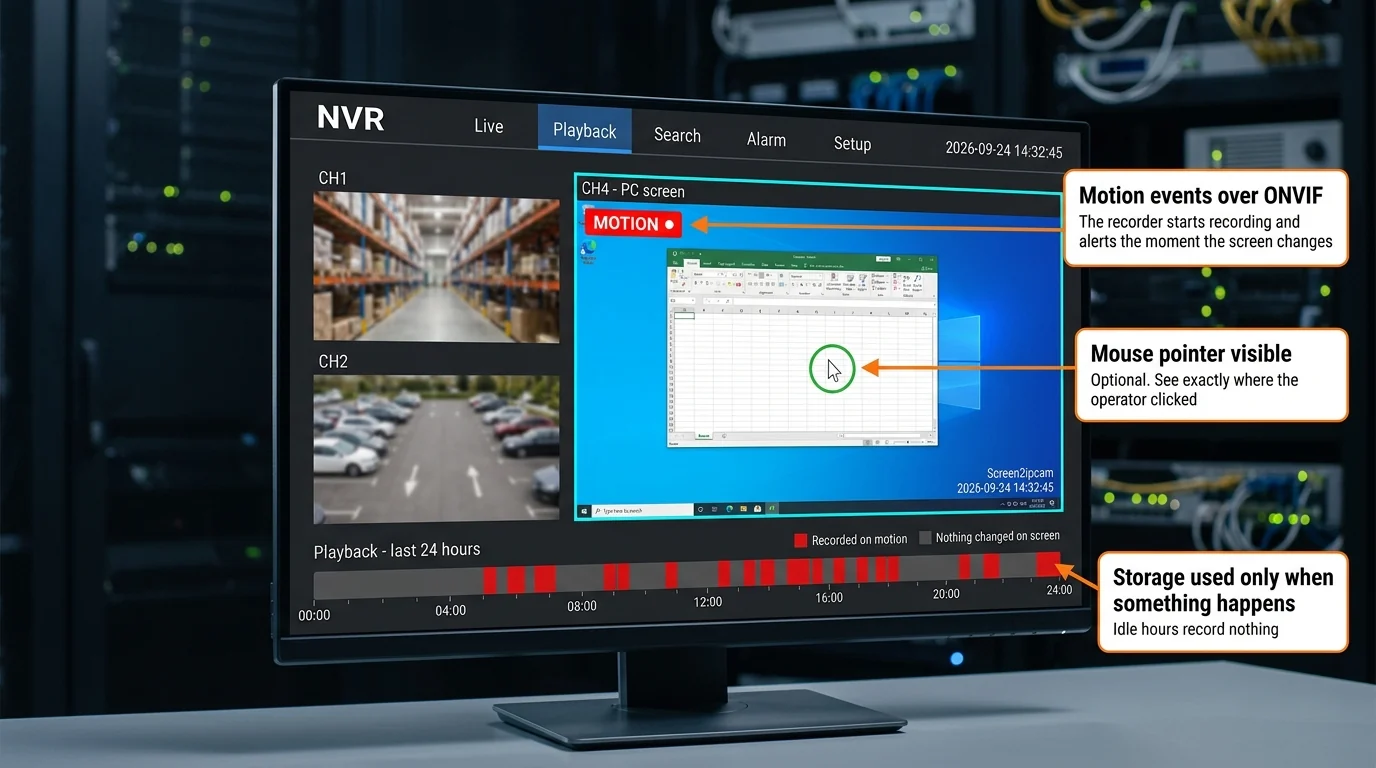
Software vs HDMI encoder: the best way to record a PC screen on an NVR
HDMI encoder or software? Compare cabling, old PCs, image quality and motion recording for putting a Windows screen on your NVR.
Read →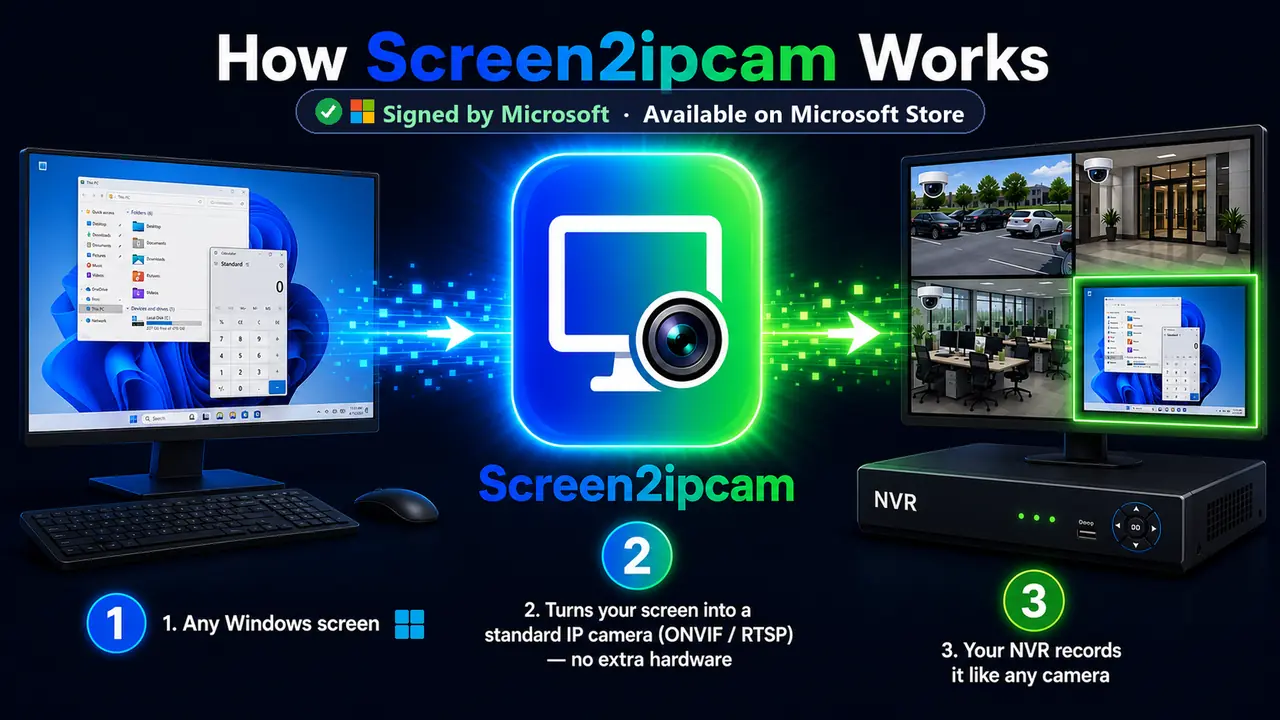
What is ONVIF Profile S? A plain-language guide
ONVIF Profile S explained simply: discovery, streaming and PTZ basics, and why it lets a Windows PC act as an IP camera on any NVR.
Read →RTSP vs ONVIF: which one should you use to add a PC screen?
RTSP or ONVIF for adding a Windows screen to an NVR? What each does, when to use which, and the exact Screen2ipcam addresses.
Read →Best resolution, frame rate and bitrate for recording a PC screen
How to pick resolution, FPS and bitrate when recording a Windows screen on an NVR, so text stays readable and storage stays low.
Read →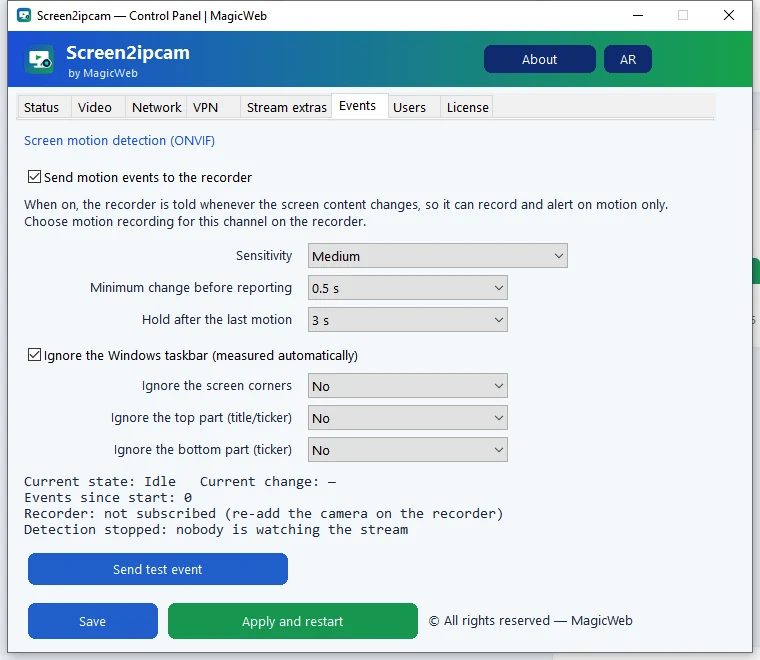
Record a PC screen only when it changes (ONVIF motion events)
Save NVR storage by recording a Windows screen only on change: enable Screen2ipcam ONVIF motion events or use NVR motion detection.
Read →Ports 8000, 554 and 3702: firewall setup for a PC camera
Which ports Screen2ipcam uses (ONVIF 8000, RTSP 554, WS-Discovery 3702, web 8080) and how to allow them in Windows Firewall.
Read →
Recording a PC screen over a VPN or with several network cards
If a PC has a VPN or several networks, choose the address the NVR should see in Screen2ipcam, so the camera connects reliably.
Read →Windows Server: keep a server console on the NVR, always on
Run Screen2ipcam on Windows Server as a service, so a server or control-room screen stays on the NVR around the clock.
Read →No article matches. Try another word.