What ONVIF is
ONVIF is an open industry standard. It defines how a network camera announces itself, describes its streams and accepts commands, so a recorder from one brand can use a camera from another.
What Profile S covers
- Discovery: the recorder finds the device on the network (WS-Discovery).
- Profiles and streams: the device lists its video profiles and gives an RTSP address for each.
- Events: basic events such as motion can be sent to the recorder.
Why it matters for a PC screen
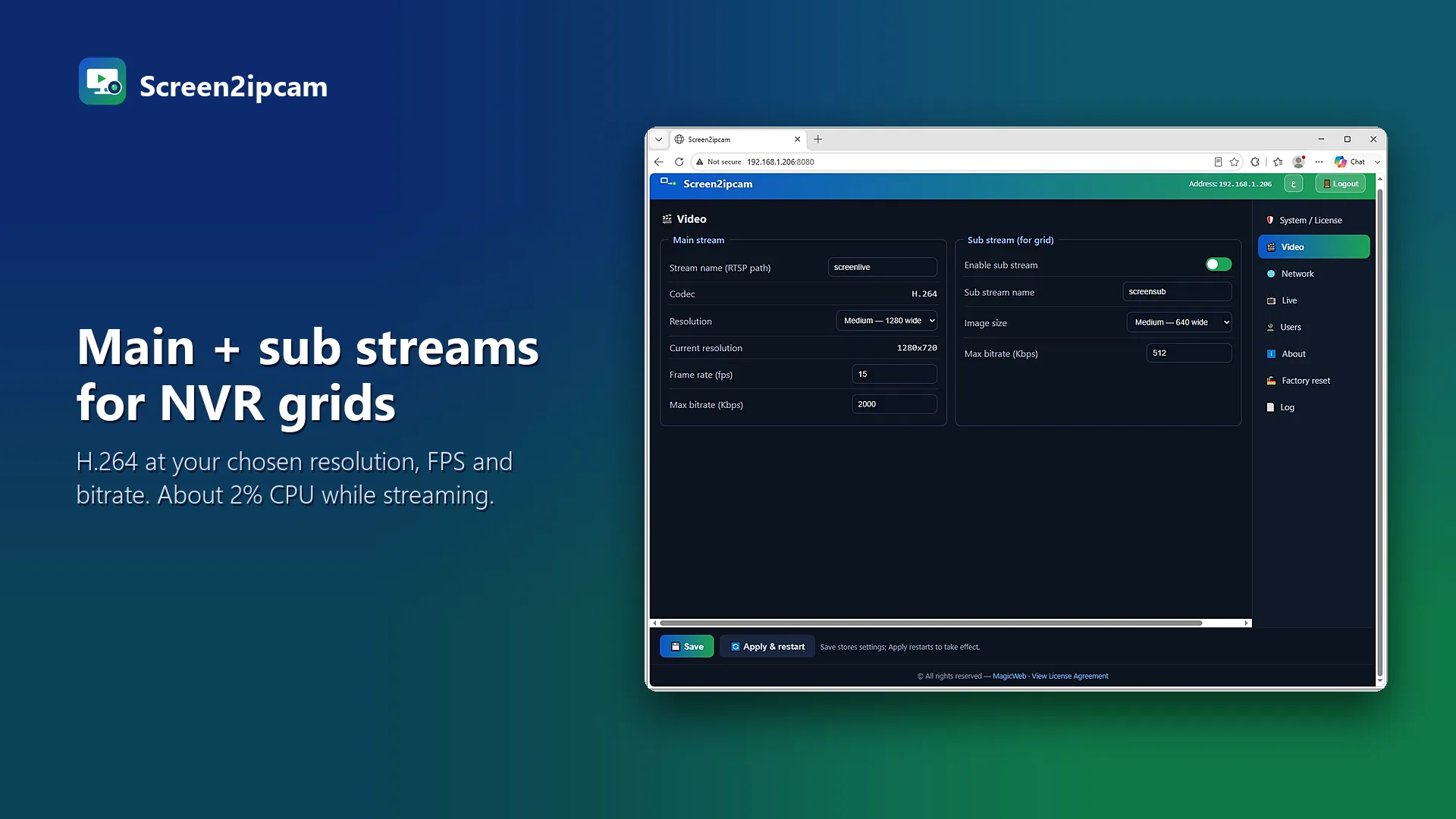
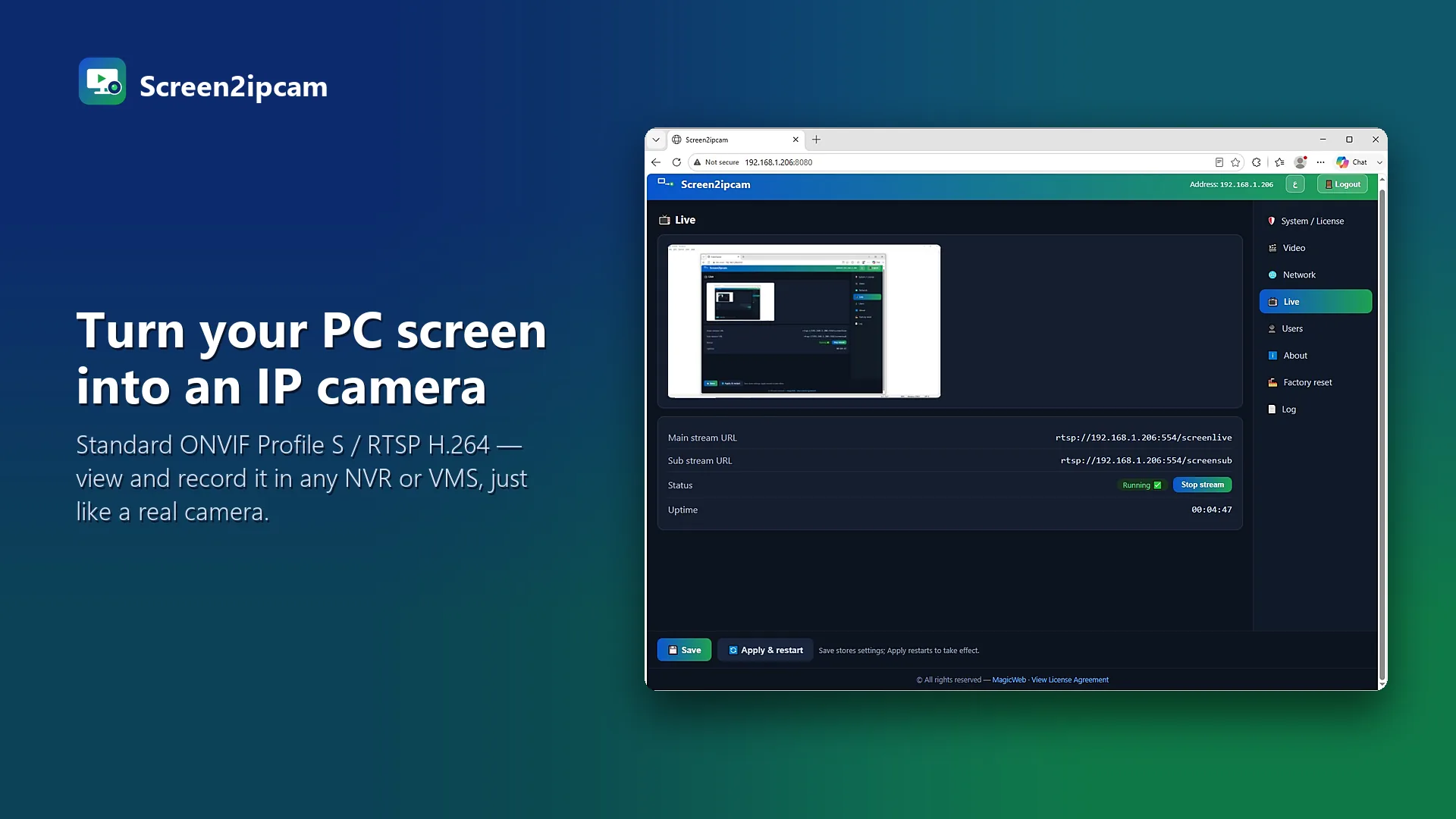
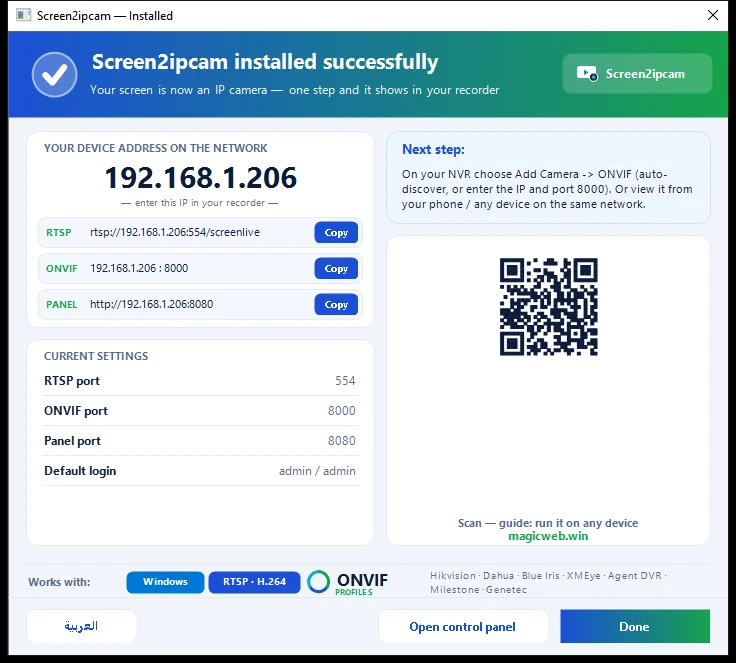
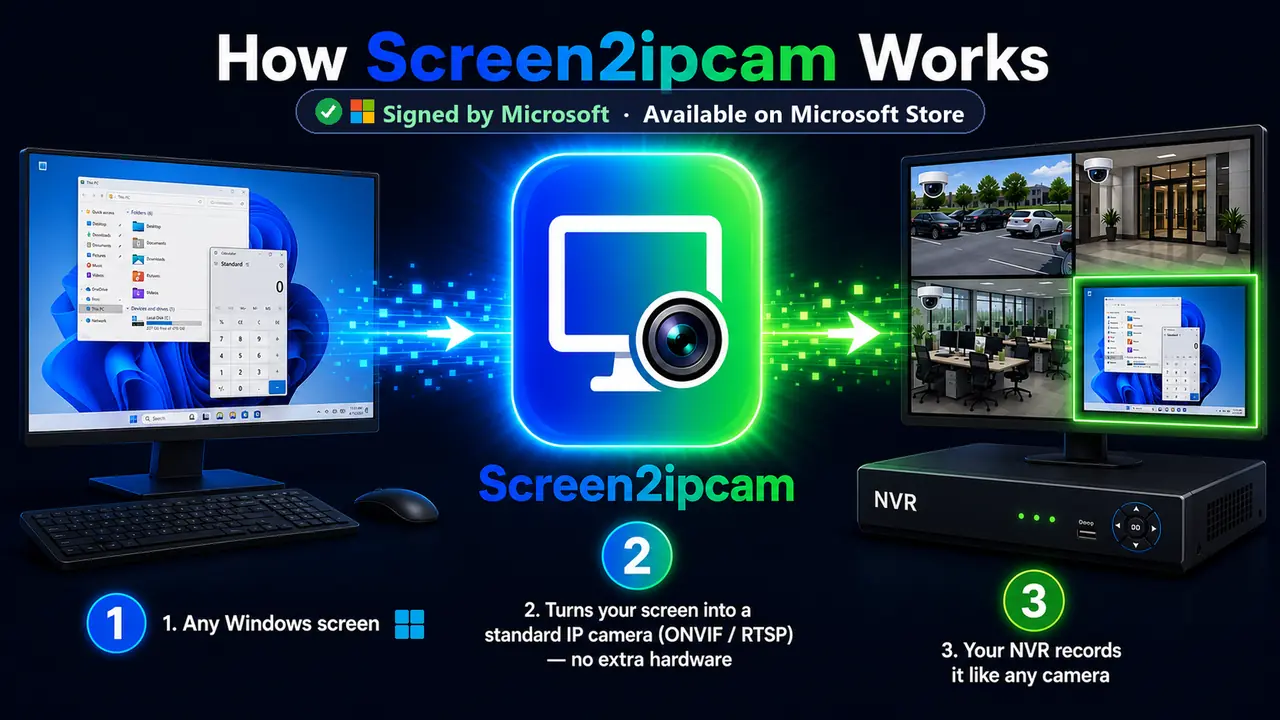
Screen2ipcam implements ONVIF Profile S on Windows. To your NVR the PC looks like a normal camera: it is discovered, it offers a main and a sub stream, and it can send motion events. That is why it works with Hikvision, Dahua, Nx Witness, Milestone, Blue Iris, Synology and other ONVIF systems without special drivers.
Try it on your own NVR14-day full trial · $20 one-time per PC · free edition on the Microsoft Store
Download free trialFAQ
Is ONVIF the same as RTSP?
No. RTSP carries the video. ONVIF is the control layer that finds the camera and tells the recorder which RTSP address to use.
Do I need ONVIF to use Screen2ipcam?
No. You can also add the plain RTSP address, but ONVIF makes discovery and setup easier.