Resolution
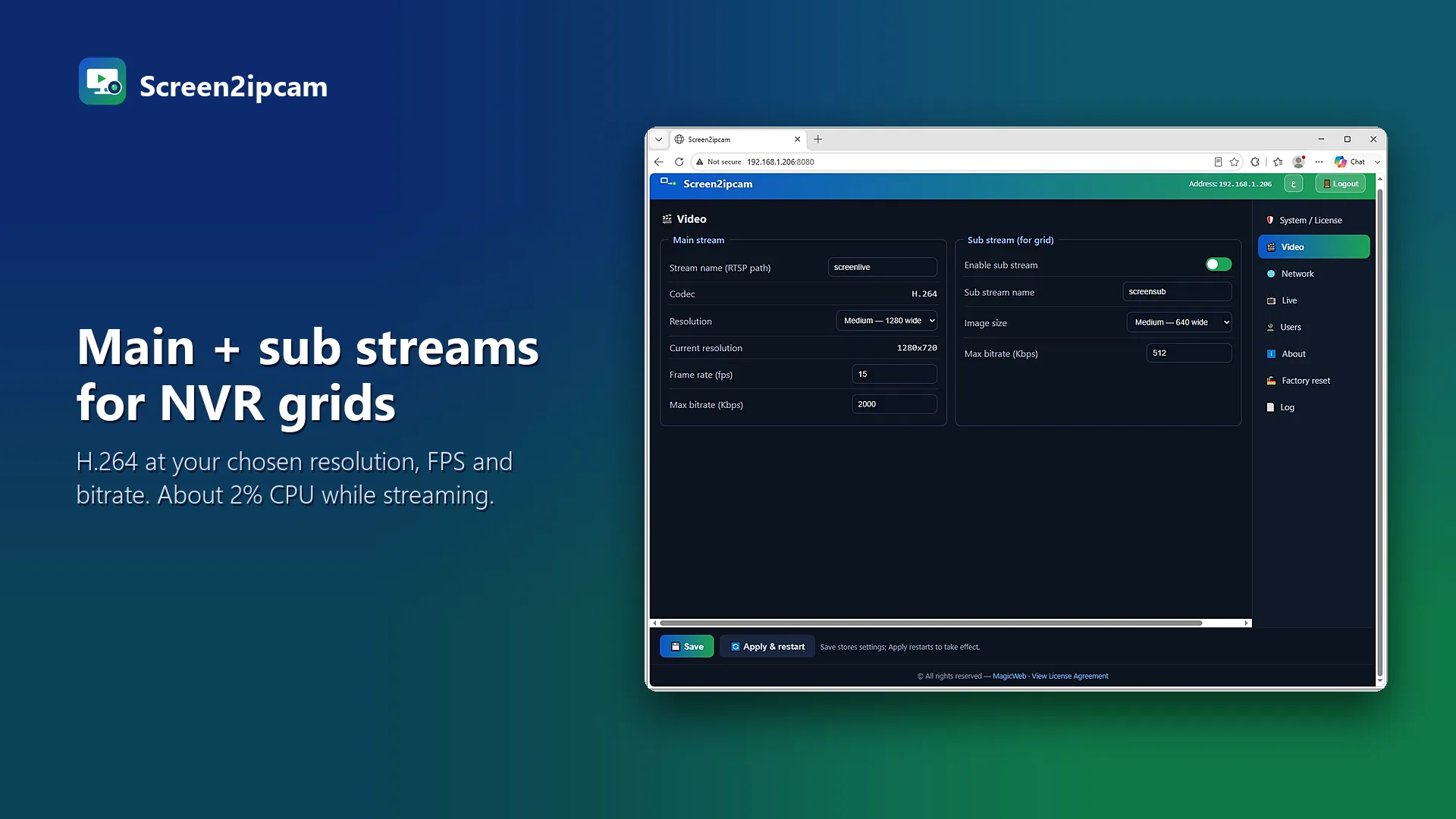
Keep text sharp: use the screen's native resolution, or 1280×720 for small POS screens. Very high resolutions use more storage without making text easier to read on the NVR.
Frame rate
Text screens change slowly. Around 10 FPS is plenty for registers and dashboards; 5 FPS is often enough. Use more only for moving video.
Bitrate
Mostly-still screens compress very well. Start low and raise it only if text looks blurry during changes. Our resolution and bitrate table gives suggested values for each case.
💡
Save more storage
Use motion recording: the NVR records only when the screen changes.
Try it on your own NVR14-day full trial · $20 one-time per PC · free edition on the Microsoft Store
Download free trialFAQ
Does a higher FPS make text clearer?
No. Clarity comes from resolution and bitrate. FPS only makes motion smoother.
Which stream should the NVR record?
The main stream. Use the sub stream for the live grid.