The ports
ONVIF port8000 (TCP)
RTSP port554 (TCP)
DiscoveryWS-Discovery, UDP 3702
Web panel8080
Default useradmin / admin (change it in the Users tab)
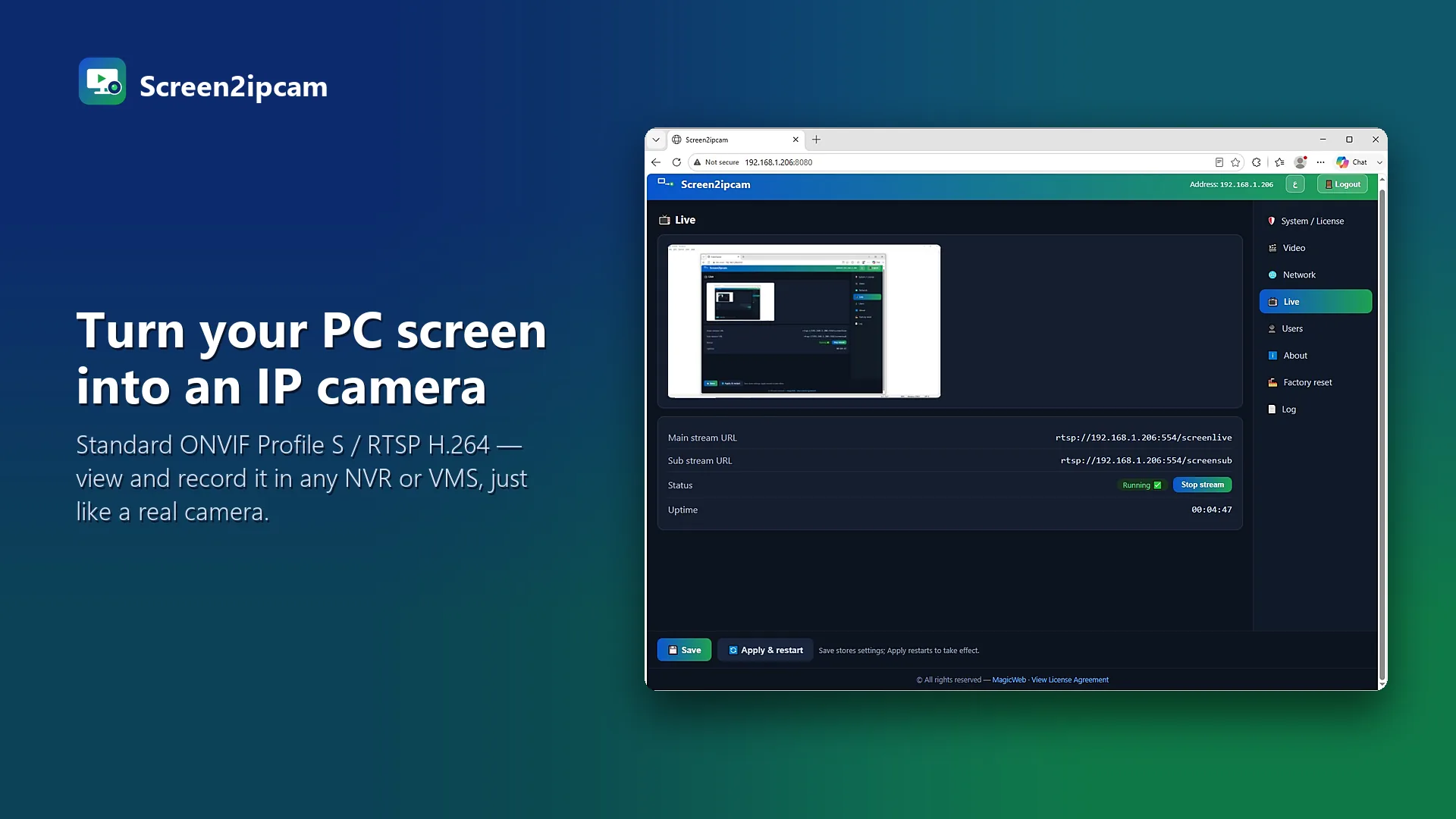
Main streamrtsp://PC-IP:554/screenlive
Sub streamrtsp://PC-IP:554/screensub
Windows Firewall
When Windows asks, allow Screen2ipcam on private networks. If you missed the prompt, allow TCP 8000 and 554 and UDP 3702 for the local network.
💡
Changed a port?
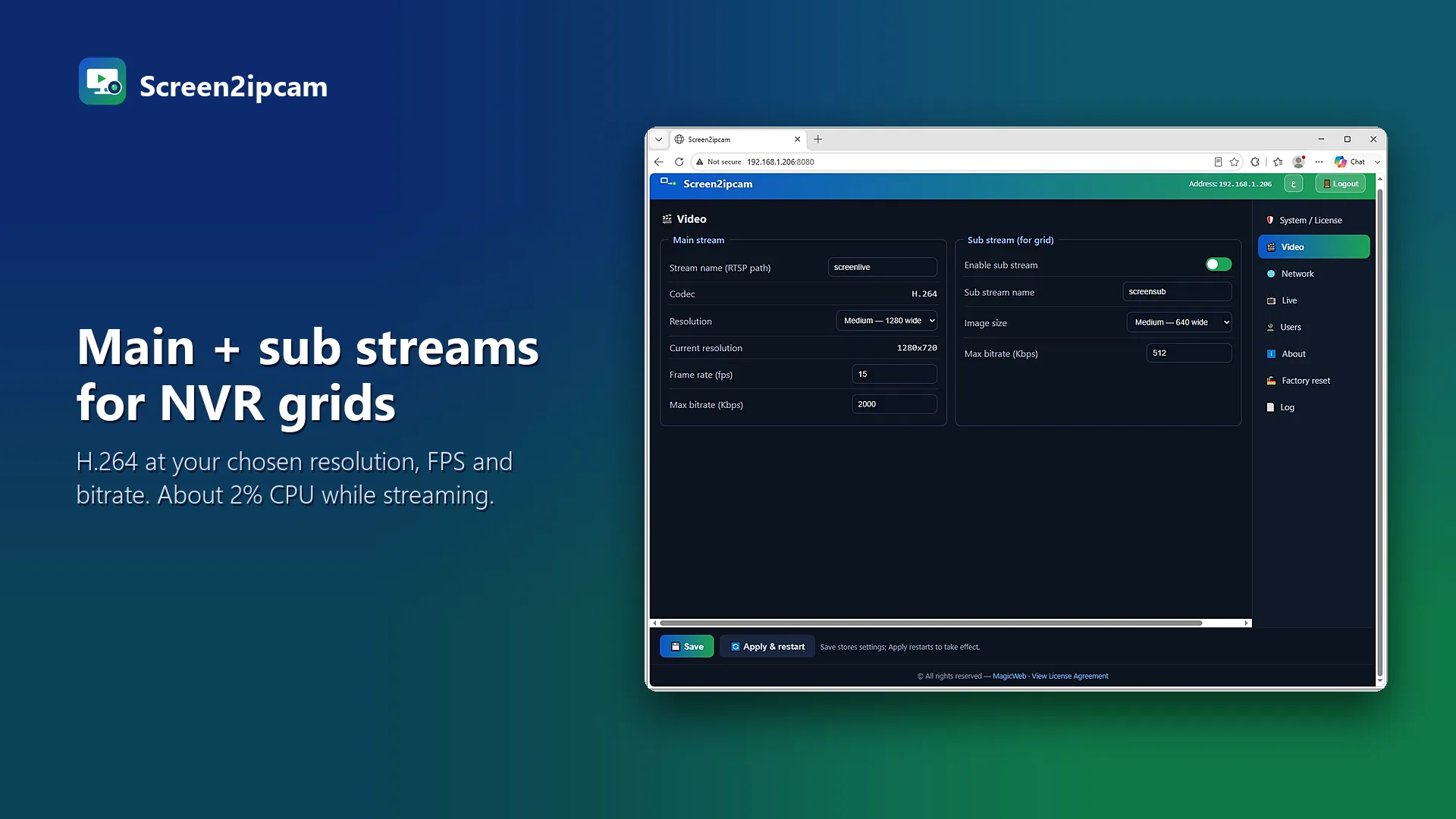
You can change the ONVIF and RTSP ports in the program. If you do, use the new numbers on the NVR and in the firewall.
Test it
Play rtsp://PC-IP:554/screenlive in VLC from another computer on the network. If it plays, the ports are open.
Try it on your own NVR14-day full trial · $20 one-time per PC · free edition on the Microsoft Store
Download free trialFAQ
Do I need to open ports on the router?
No, not for a local NVR. Only the PC firewall matters on the local network.
Is 3702 required?
Only for automatic discovery. You can always add the camera by IP without it.