The difference
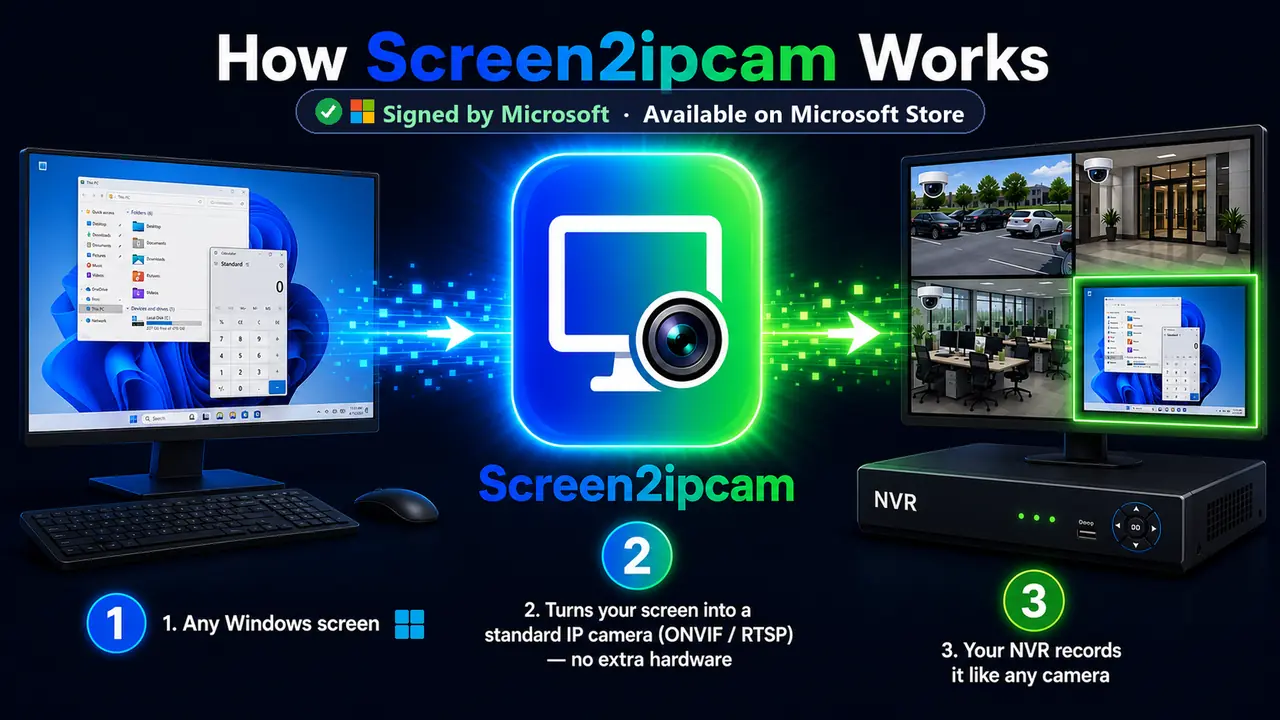
RTSP is the video pipe: it carries the H.264 stream. ONVIF sits on top: it lets the recorder discover the device, read its streams and receive events.
When to use which
- Use ONVIF when your NVR or VMS supports it (most do). Discovery and setup are simpler, and motion events work.
- Use RTSP for players like VLC, or recorders that only accept a stream address.
The exact addresses
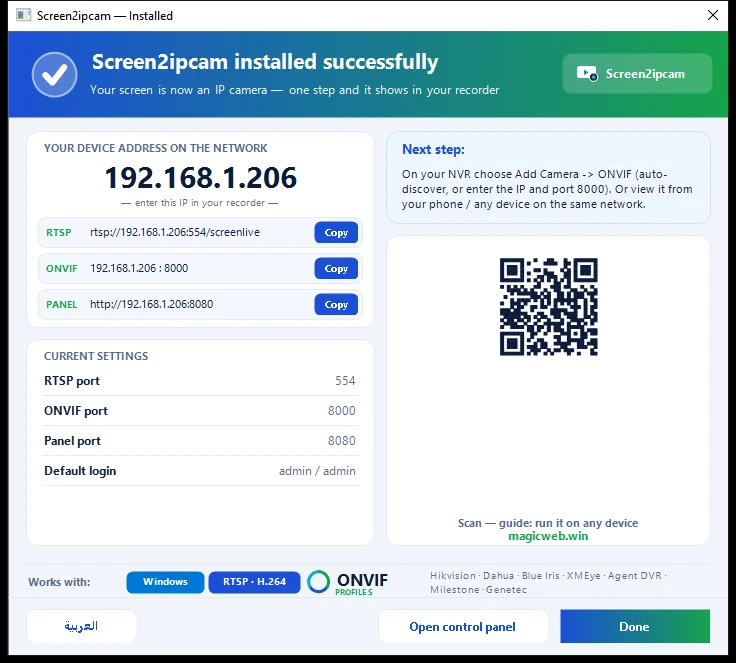
ONVIF port8000 (TCP)
RTSP port554 (TCP)
DiscoveryWS-Discovery, UDP 3702
Web panel8080
Default useradmin / admin (change it in the Users tab)
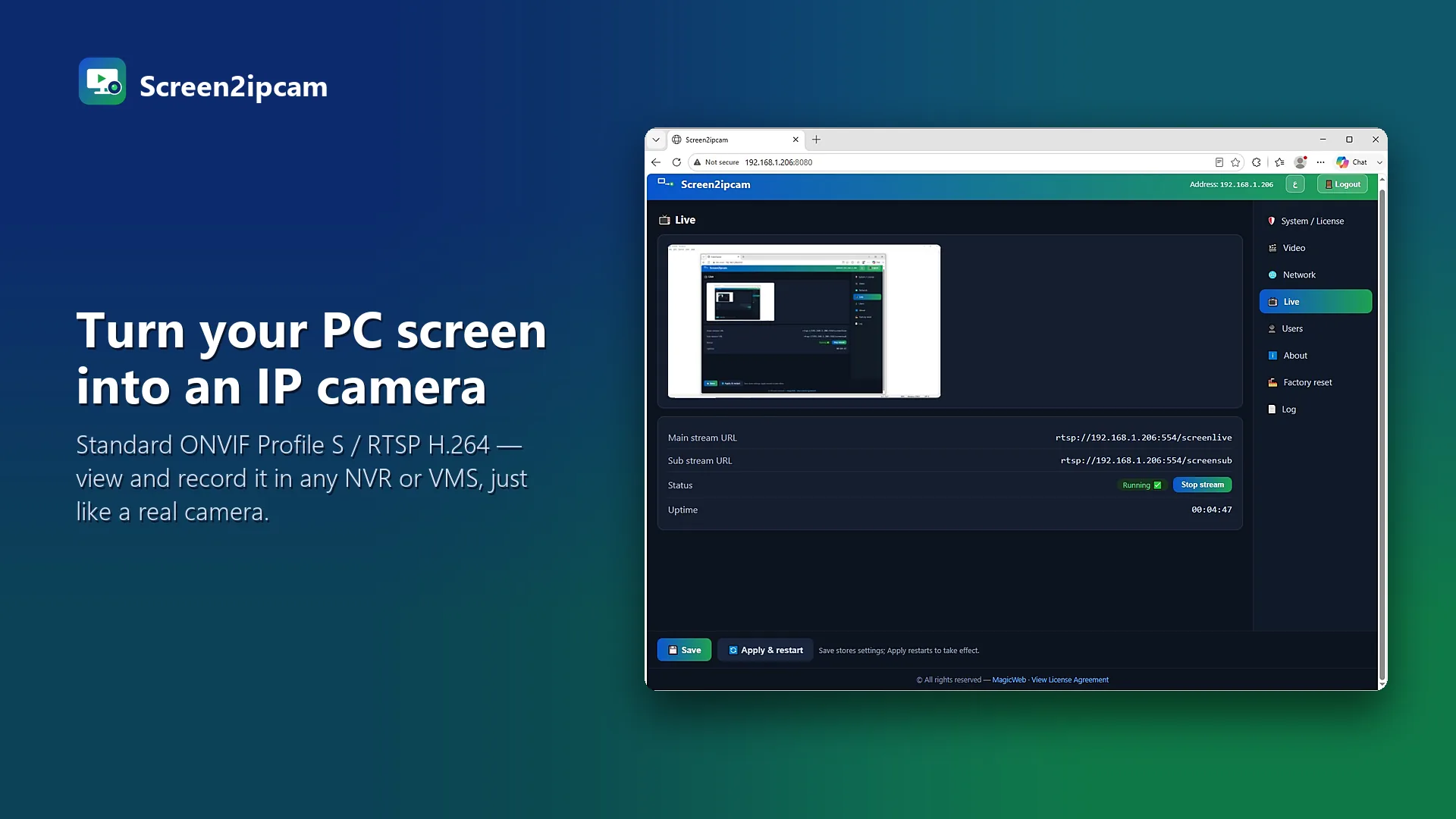
Main streamrtsp://PC-IP:554/screenlive
Sub streamrtsp://PC-IP:554/screensub
💡
Quick test
Open rtsp://PC-IP:554/screenlive in VLC. If it plays, the PC side is working.
Try it on your own NVR14-day full trial · $20 one-time per PC · free edition on the Microsoft Store
Download free trialFAQ
Which is faster?
The video is the same H.264 stream either way. ONVIF only adds the control layer.
Why two streams?
The main stream is for recording; the lighter sub stream is for multi-camera grids.