What it is
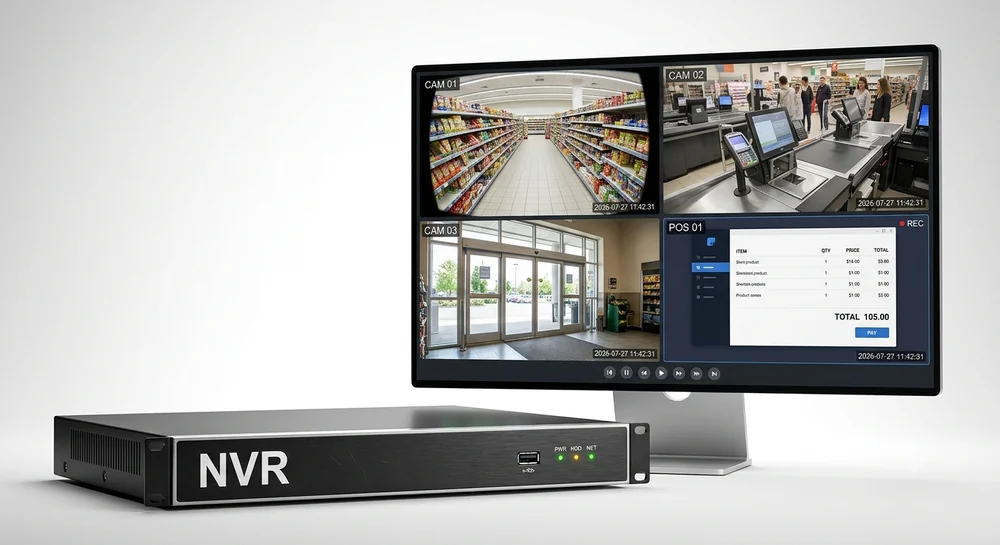
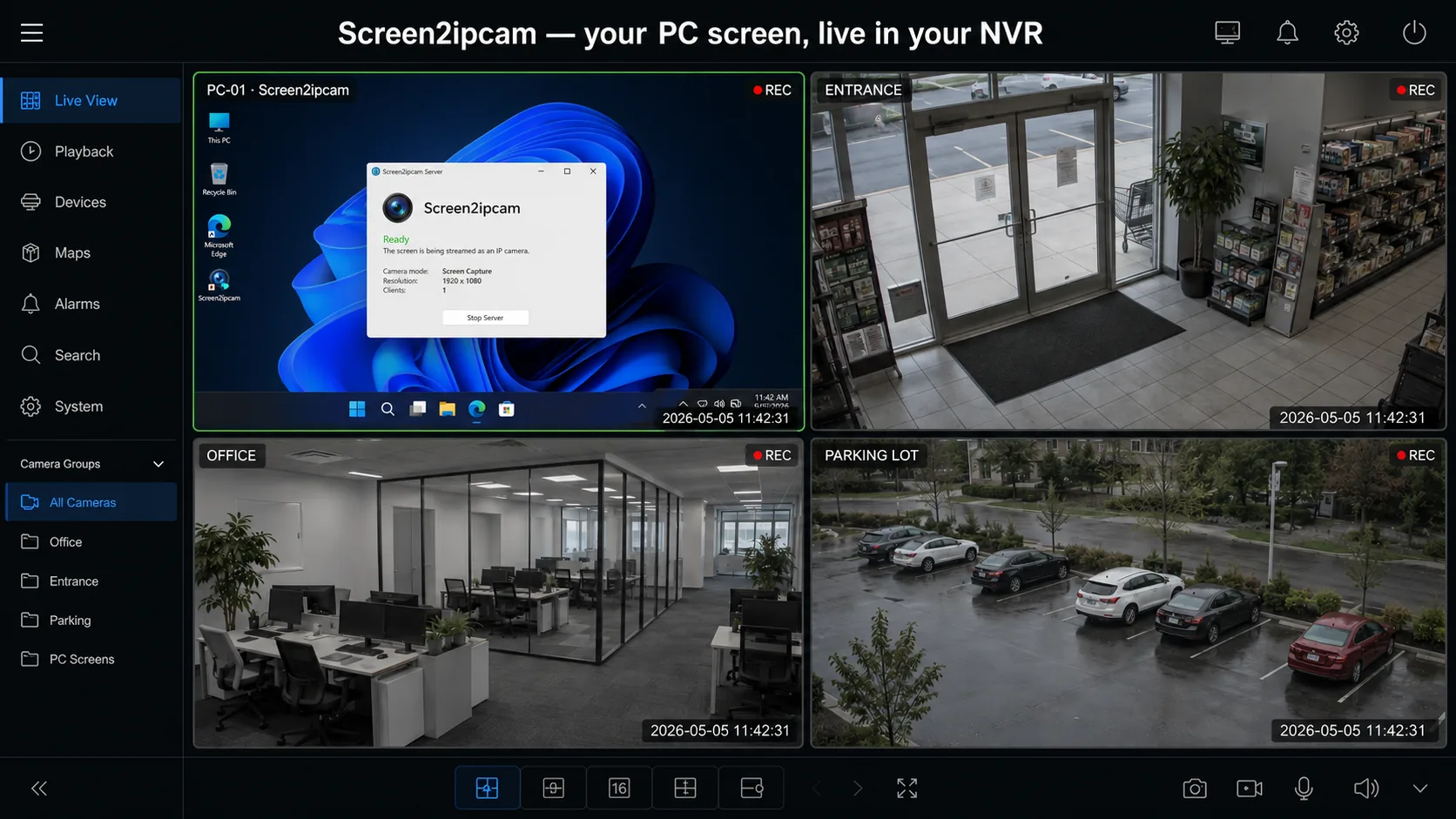
Screen2ipcam is a small Windows app that publishes the PC screen as a standard ONVIF Profile S camera with an H.264 RTSP stream. Your NVR or VMS discovers and records it like any other camera.
How it works
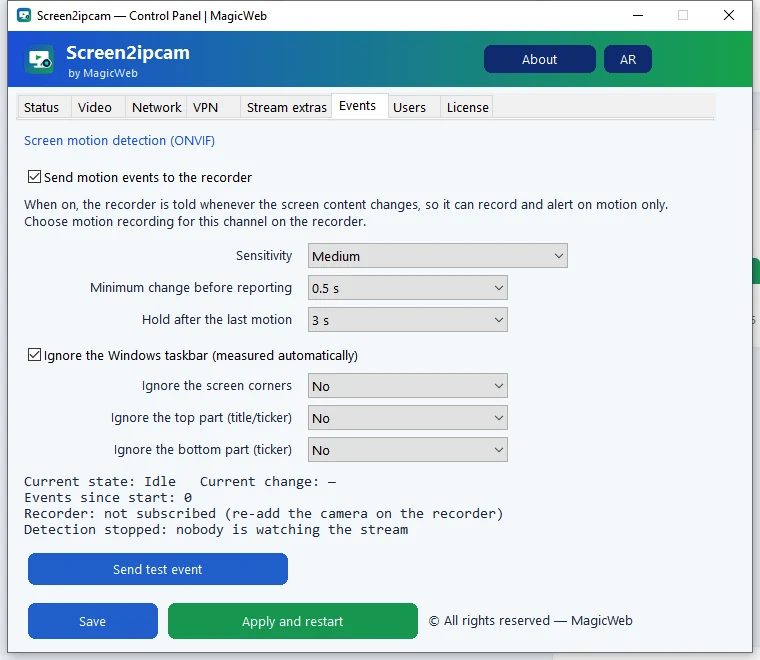
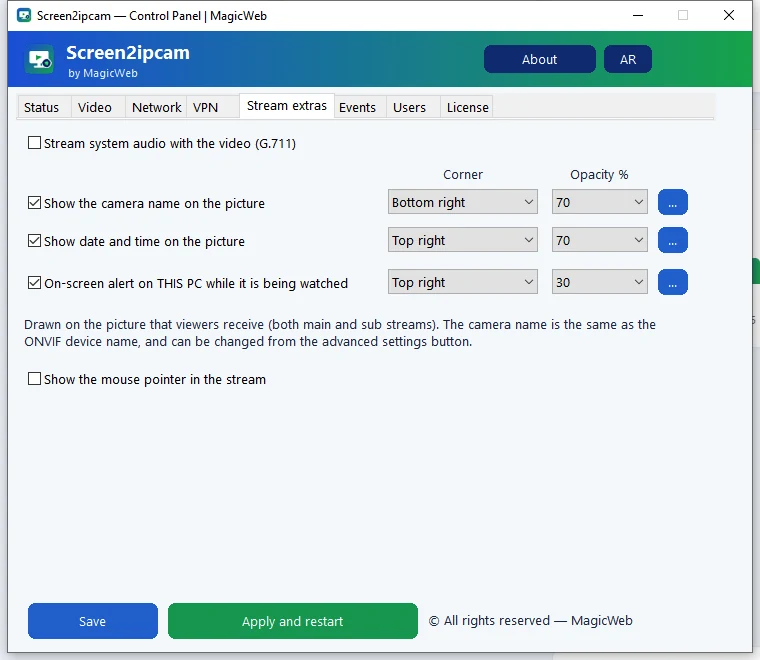
The app captures the screen, encodes it to H.264 and serves a main and a sub stream over RTSP. ONVIF lets the recorder find it, read its streams and receive motion events. It uses about 2% CPU and runs as a Windows service.
Setup in 4 steps
- Download Screen2ipcam from
screen2ipcam.comon the PC whose screen you want to record, and run the installer. - Give the PC a fixed IP address (or a DHCP reservation on the router), so the recorder never loses it.
- Open the control panel. In the Video tab pick the screen, resolution, frame rate and bitrate. For text screens like a cash register, around 10 FPS is plenty.
- Allow Screen2ipcam in Windows Firewall when Windows asks (private networks).
Then add it on your recorder: Hikvision · Dahua · Nx Witness · Blue Iris.
Where it is used
- Cash registers and POS terminals in shops and supermarkets
- Fuel station terminals
- Clinic reception and billing PCs
- Call center and office desktops
- Control rooms, dashboards, machine and SCADA screens
See all use cases.
Try it on your own NVR14-day full trial · $20 one-time per PC · free edition on the Microsoft Store
Download free trialFAQ
Is there a free version?
Yes. The Microsoft Store edition is free; after 14 days it adds a small watermark and never expires. The full license is $20 one-time per PC.
Does it need internet?
No. Video stays on your network and the license is activated offline.