Most shrink and refund disputes at a till come down to one question: what was on the screen? The ceiling camera shows hands and faces, but it cannot read a price, a voided line or a discount code.
Why the camera alone is not enough
- Screens are small and angled away from the camera. Text is unreadable even at 4K.
- Reflections and the cashier's own body block the view.
- Disputes need the exact item, amount and time.
The old way: capture cards and encoders
The classic fix is a hardware device per register: a capture card or an HDMI encoder. It works, but every till needs its own box, power, cabling and an installation visit, and old POS PCs often have no spare video output.
The software way
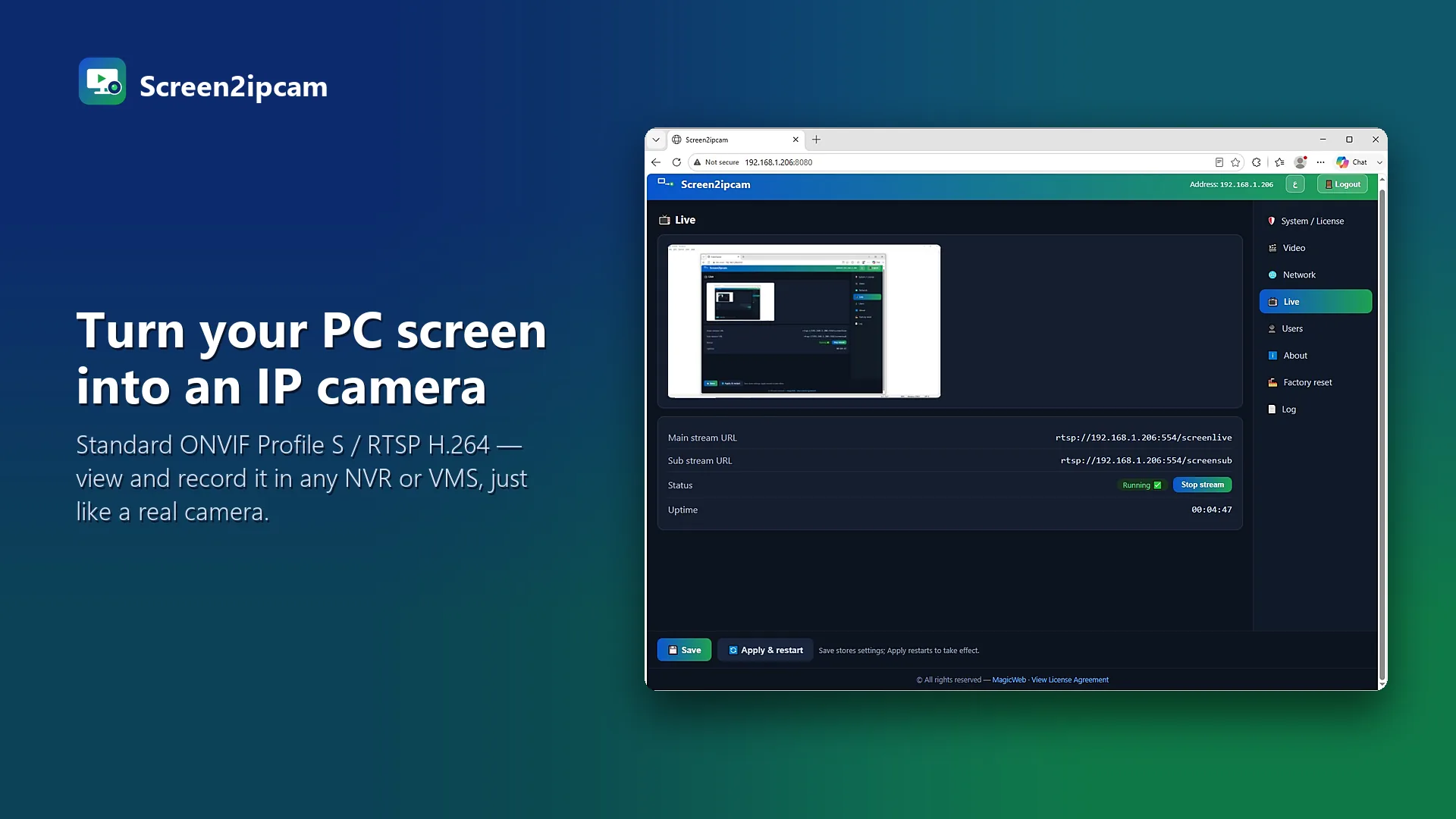
Screen2ipcam runs on the POS PC and publishes its screen as a standard ONVIF / RTSP camera. The NVR adds it like any IP camera.
- Install Screen2ipcam on each register PC (Windows 7 SP1 to 11, 32 or 64-bit, POSReady included).
- Give each register a fixed IP address.
- Add each register on the NVR with ONVIF, port
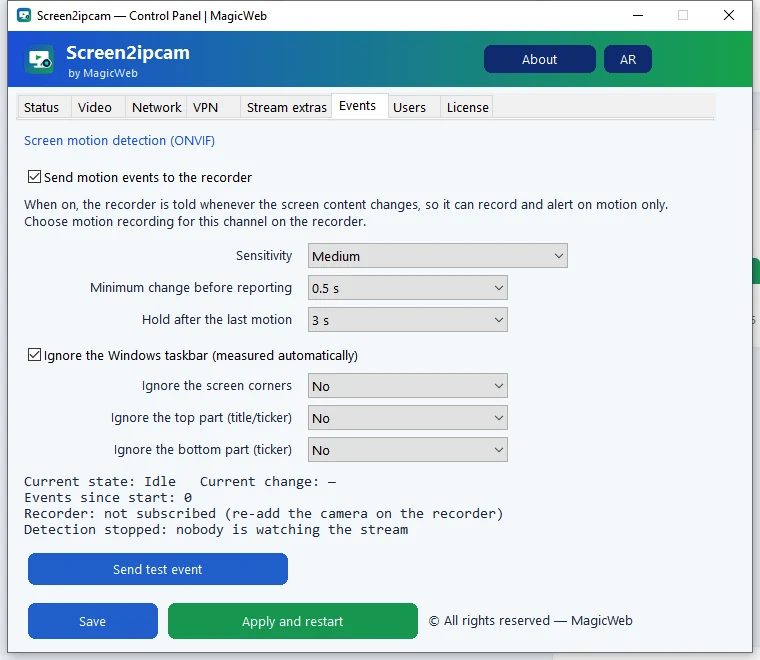
8000. - Turn on motion recording, so the NVR saves only when the screen changes.
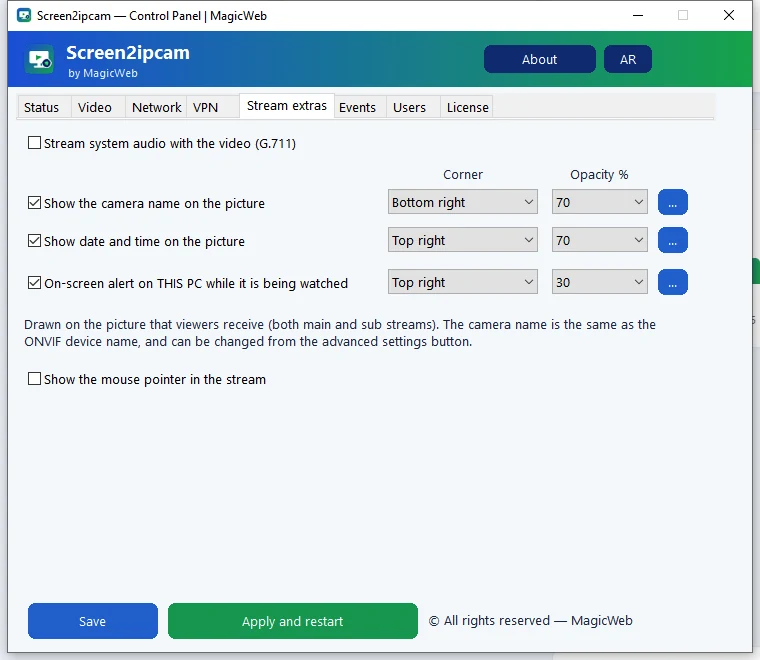
Settings that work well for tills
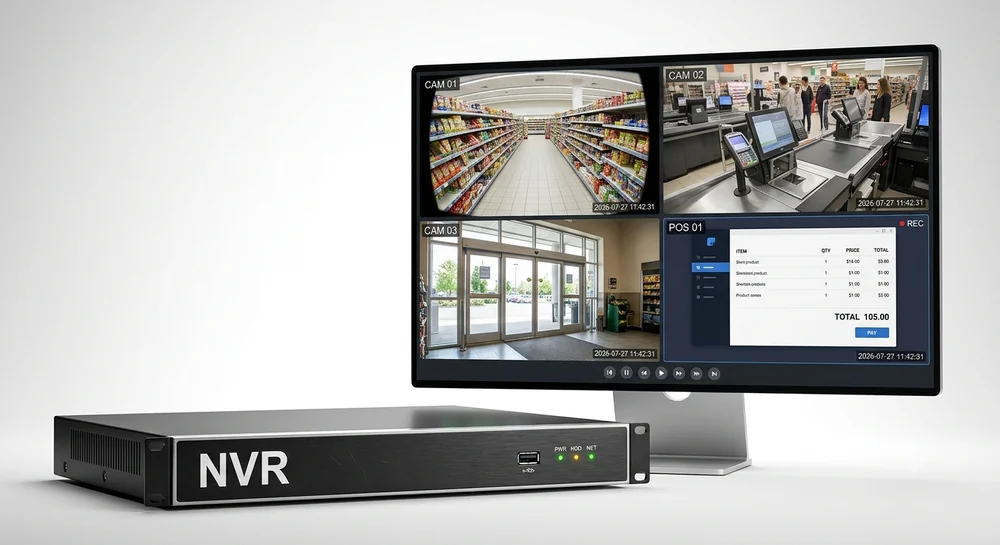
Put the register channel next to the cashier camera in the same NVR layout. When you play back a time, you see the person and the screen together.
FAQ
Will it slow down the till?
No. It uses about 2% CPU and runs in the background as a Windows service.
Does it work offline?
Yes. Video stays on your local network and the license is activated offline.