Why a service
A service starts with Windows, without anyone logging in to open an app. That suits servers, dashboards and control rooms that must stay recorded around the clock.
How to set it up
- Install Screen2ipcam on the Windows Server machine.
- Choose to run it as a Windows service.
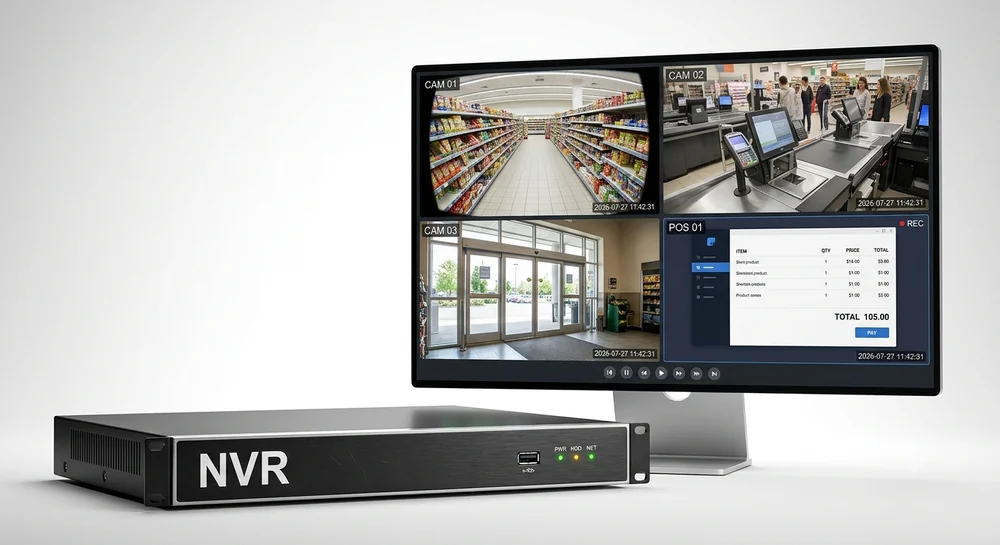
- Add the server to the NVR with ONVIF, port
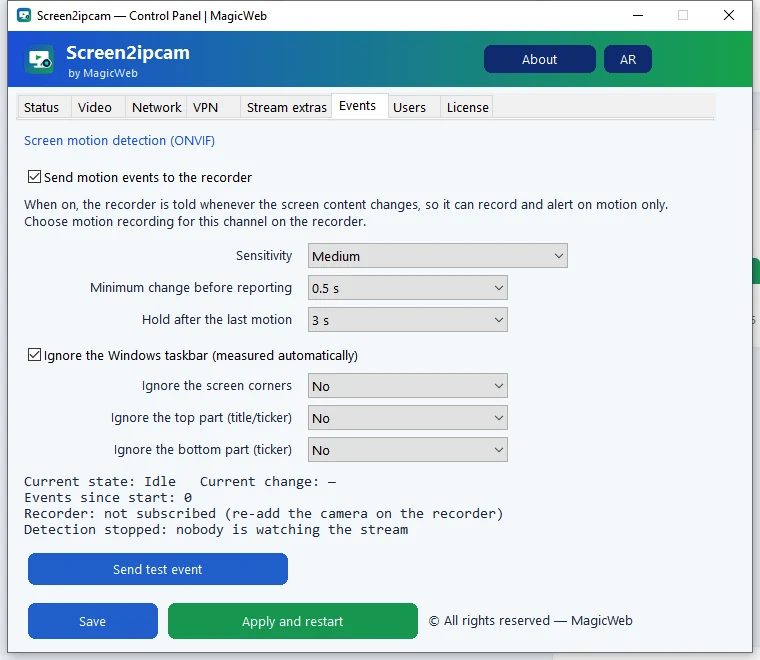
8000. - Record continuously or on motion.
Details and supported versions: Screen2ipcam for Windows Server.
Try it on your own NVR14-day full trial · $20 one-time per PC · free edition on the Microsoft Store
Download free trialFAQ
Does it need a logged-in user?
It runs as a service, so it starts with Windows.
Which Windows versions?
Windows 7 SP1 to 11 and Windows Server, 32 and 64-bit.