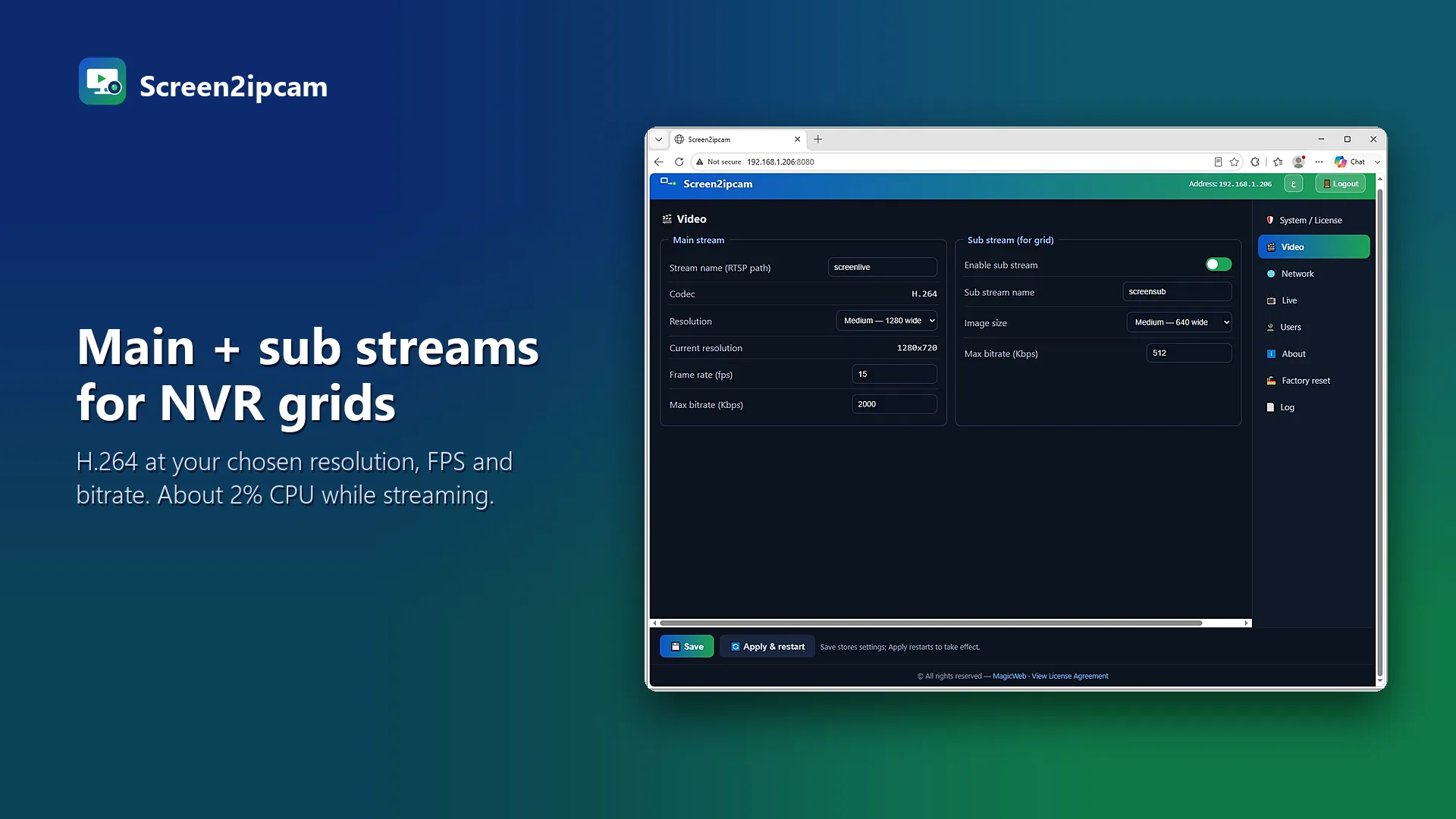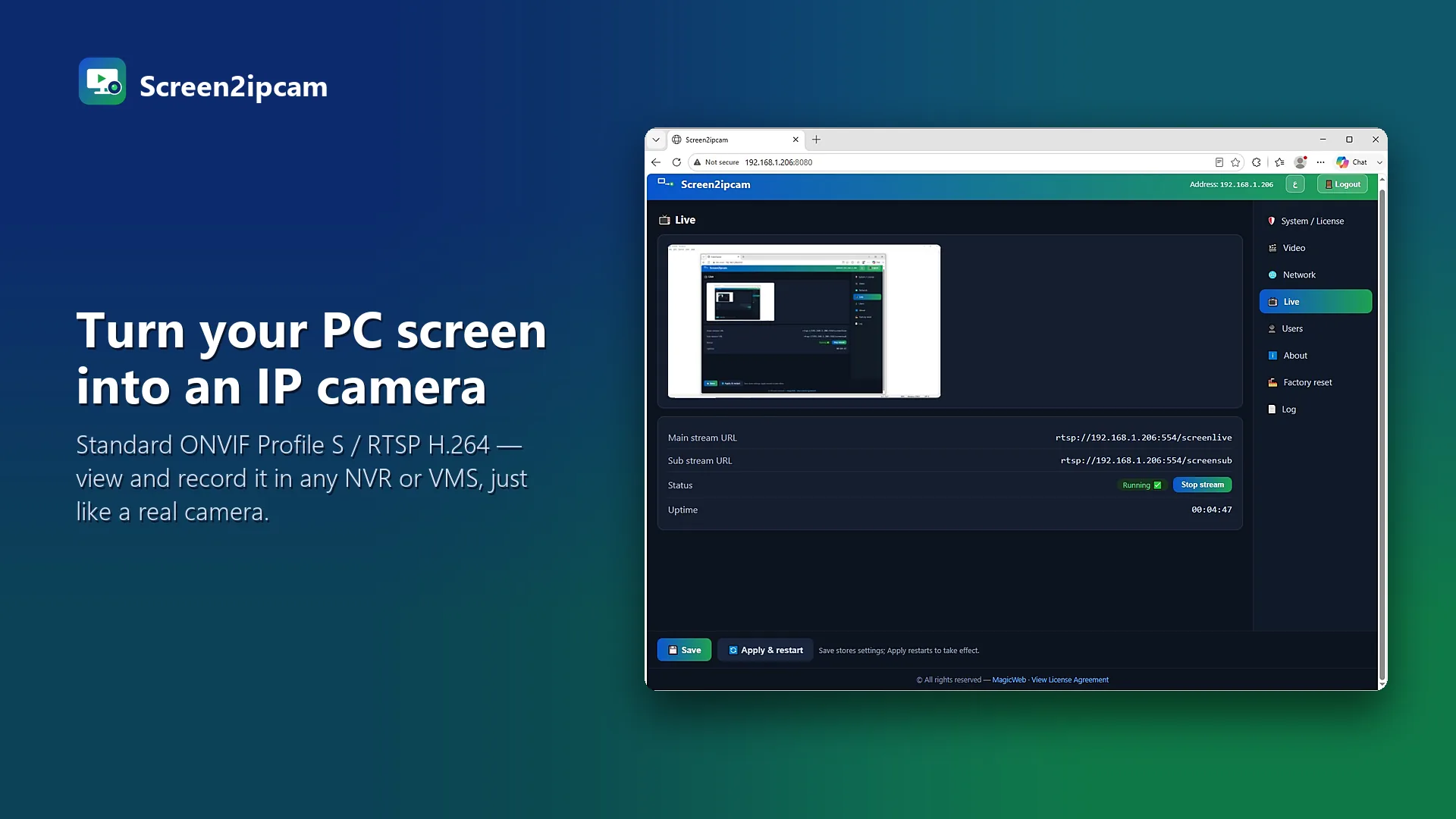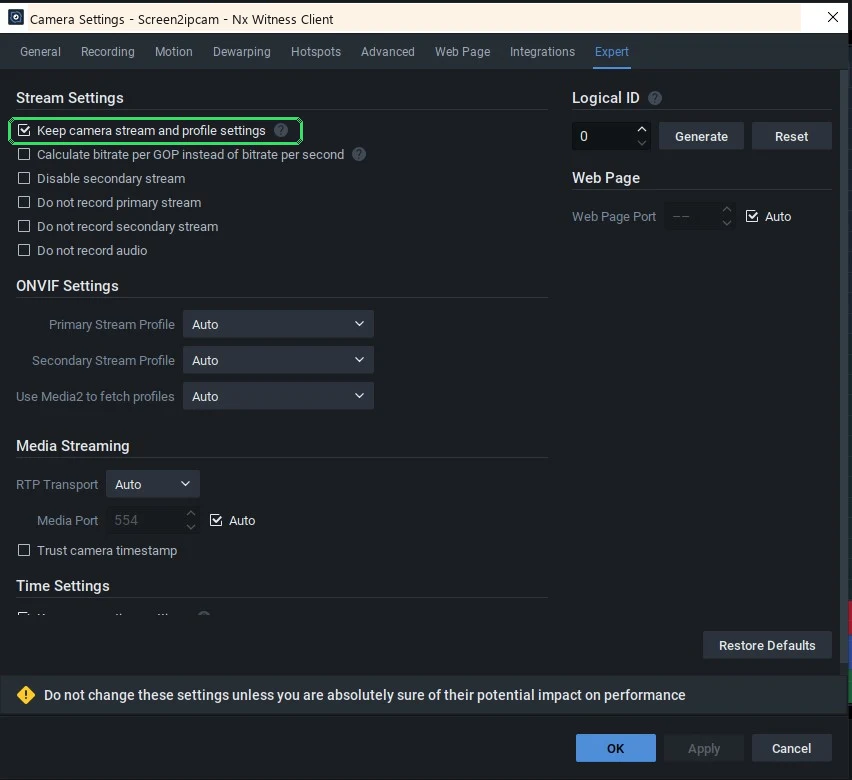
To get a PC screen into an NVR you have two options: a hardware HDMI encoder (or capture card) per screen, or software that turns the PC into an ONVIF camera. Both end in the same place: a channel on your recorder.
Side by side
What you installEncoder: a box per screen · Software: an app per PC
CablingEncoder: HDMI, network and power · Software: none
Old PCsEncoder: needs a free video output · Software: Windows 7 SP1 and 32-bit OK
ImageEncoder: re-encodes the HDMI signal · Software: captures pixels directly
Motion eventsEncoder: depends on the model · Software: ONVIF motion events built in
When hardware still makes sense
- The source is not a Windows PC (a console, a medical device, a set-top box).
- Nothing may be installed on the PC, by policy.
When software wins
- Many Windows screens: every till or desk becomes a channel without a site visit.
- The PCs are old or their only video output is in use.
- You want motion recording and settings you can change any time.
Try it on your own NVR14-day full trial · $20 one-time per PC · free edition on the Microsoft Store
Download free trialFAQ
Is the quality the same?
Software captures the screen pixels directly and sends H.264, so text stays sharp at the resolution you choose.
Can I mix both?
Yes. The NVR does not care: both appear as normal channels.