How it works
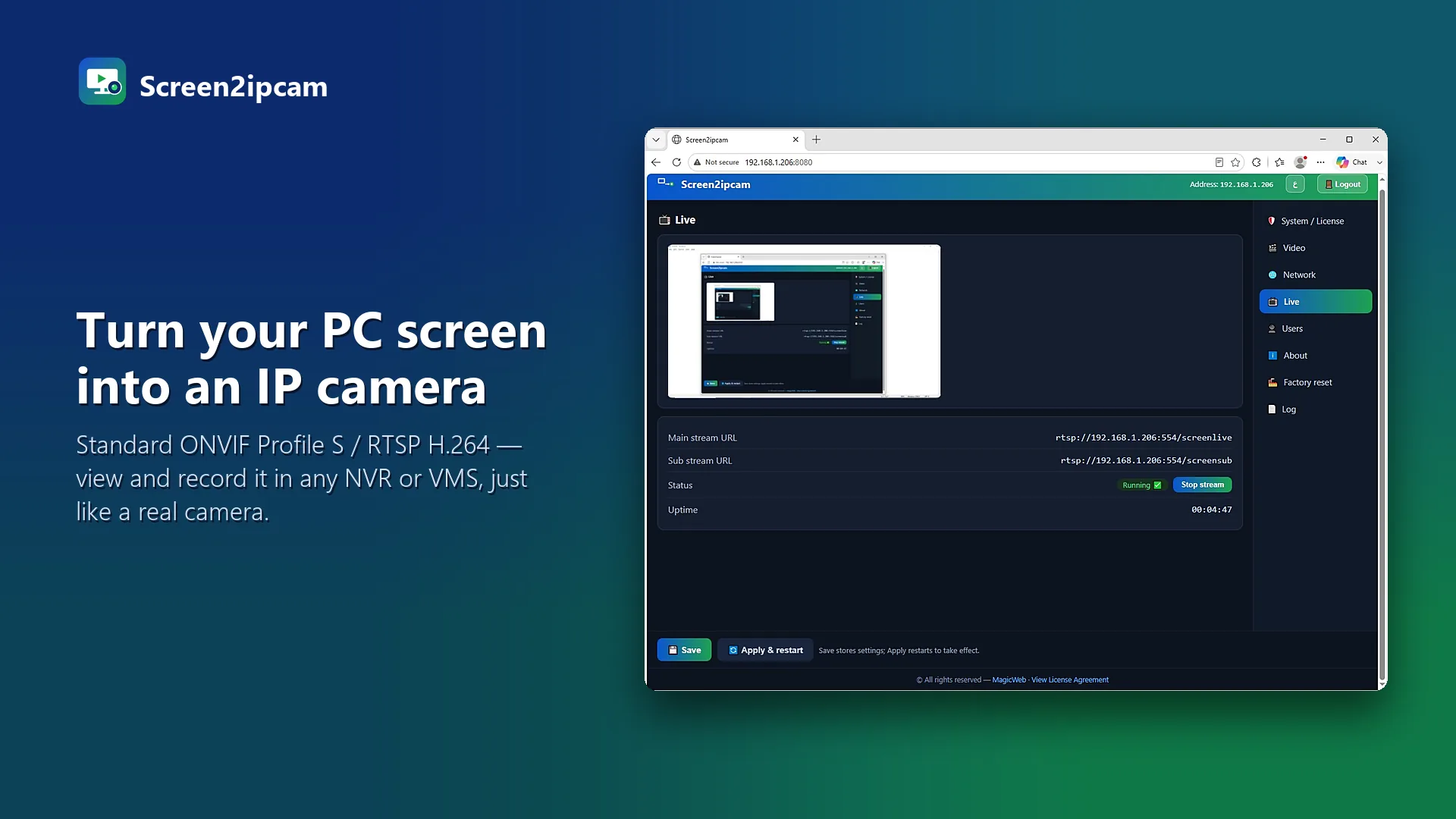
Your phone never talks to the PC. The PC sends its screen to the NVR on the local network, and the NVR app shows the NVR channels on your phone as usual: the Hikvision app, the Dahua app or your recorder brand app. The screen is just one more channel.
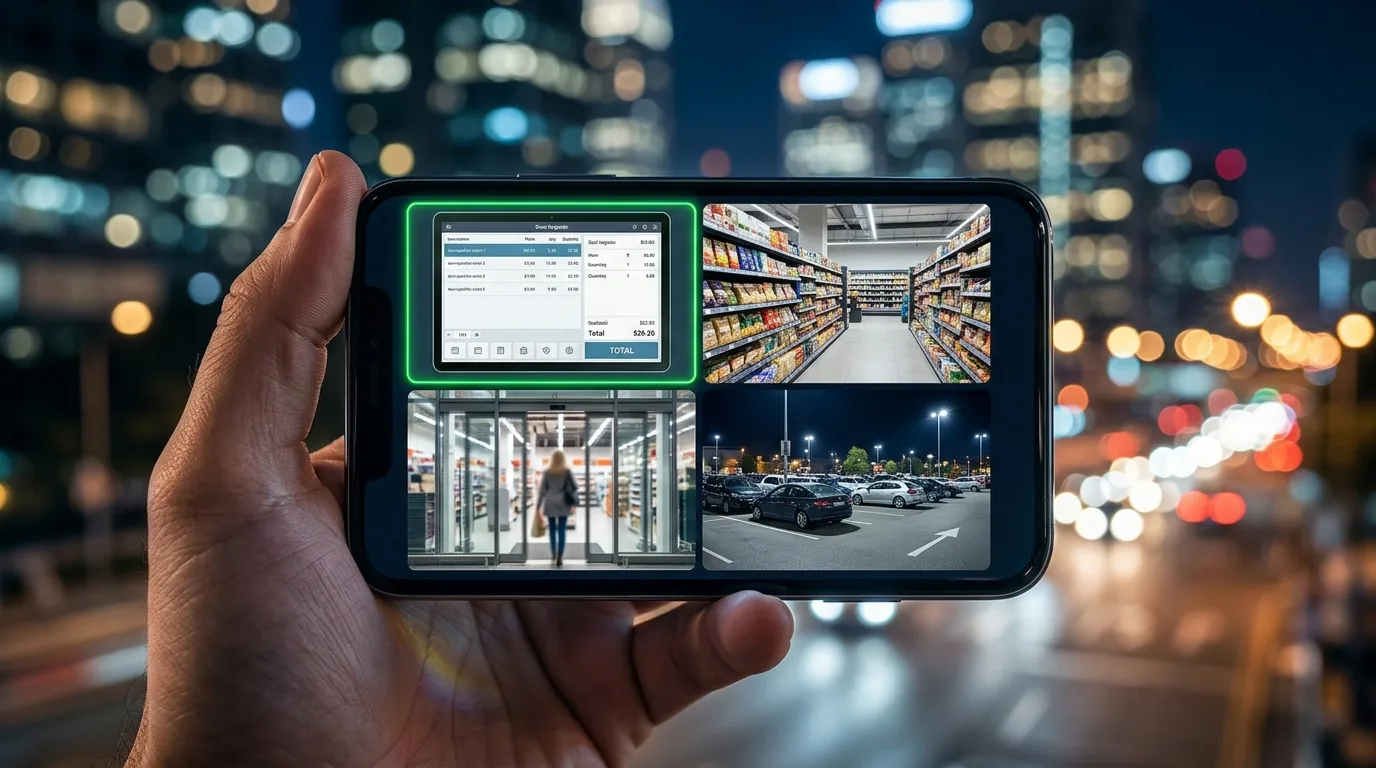
Steps
- Install Screen2ipcam on the PC whose screen you want to watch.
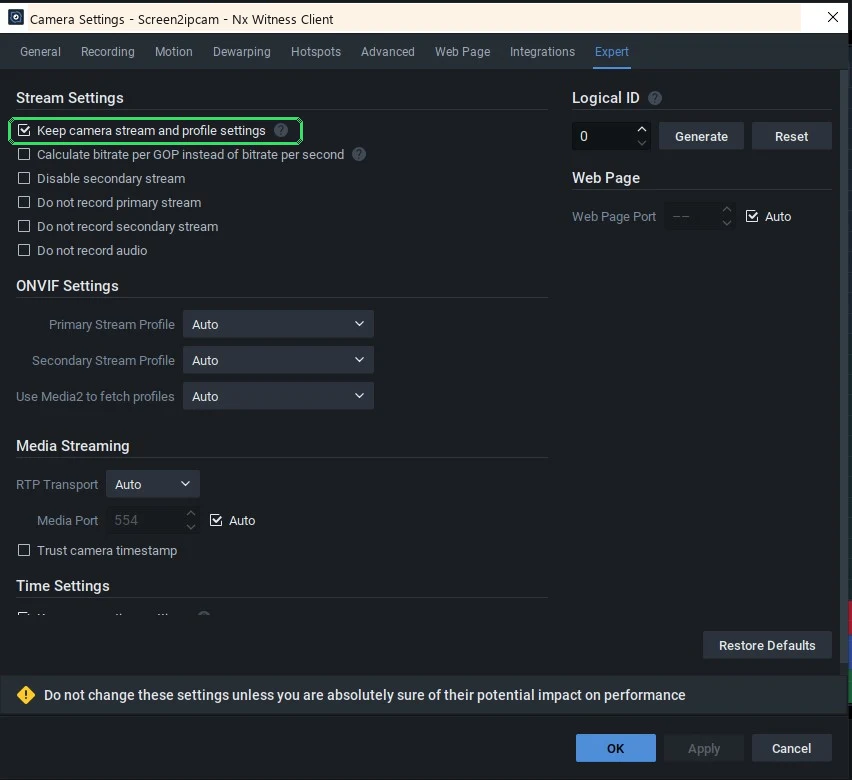
- Add the PC to your NVR as an ONVIF camera: Hikvision · Dahua.
- Open your NVR app on the phone. The screen channel appears with the cameras.
- Tap it to watch live, or open playback to see what was on screen at any time.
Picture quality on mobile
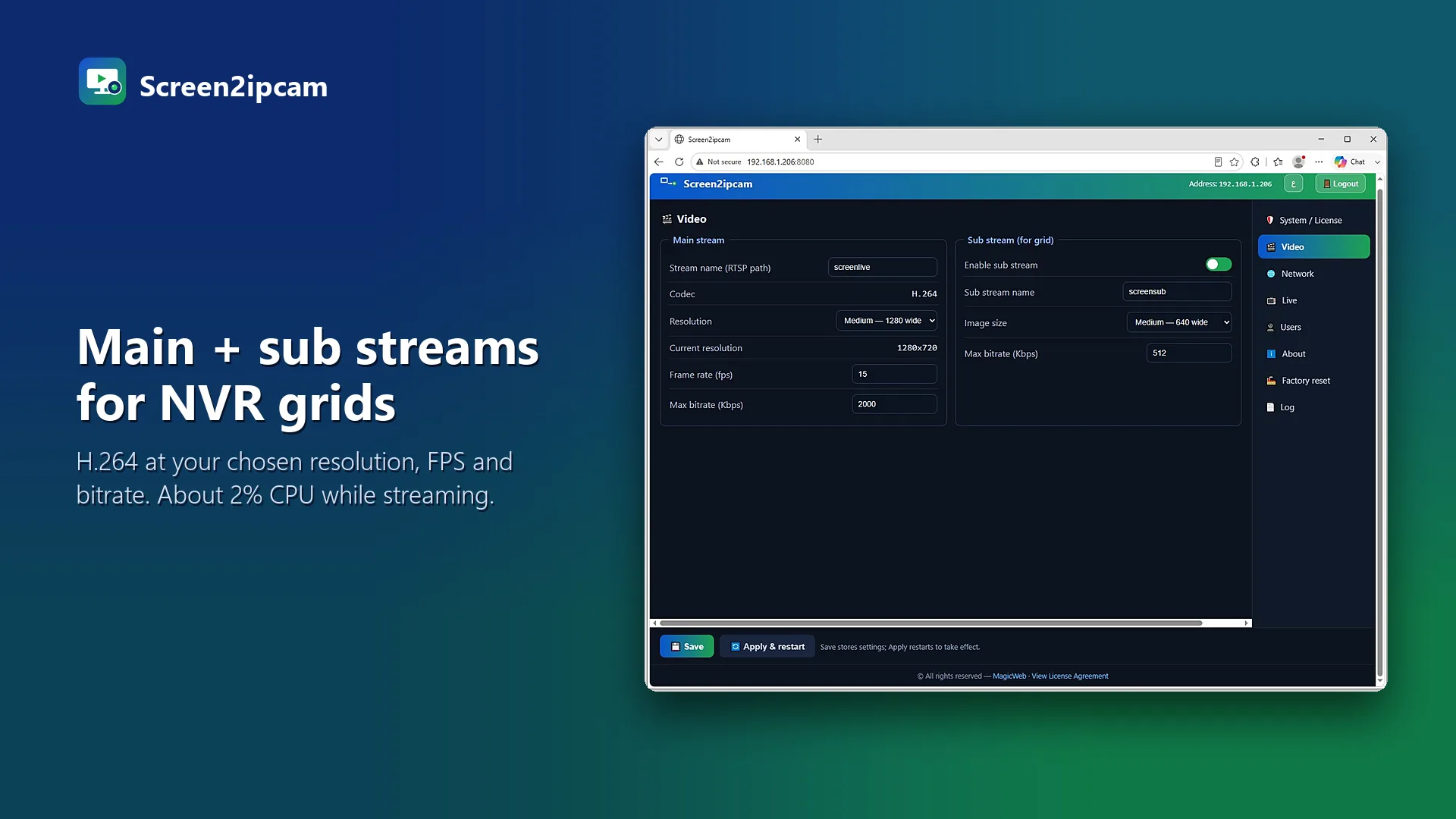
Screen2ipcam sends two streams: a full quality main stream for recording and a light sub stream at /screensub. Most NVR apps start with the light stream, so it opens fast on mobile data. Switch the app to HD when you need to read small text.
Tips
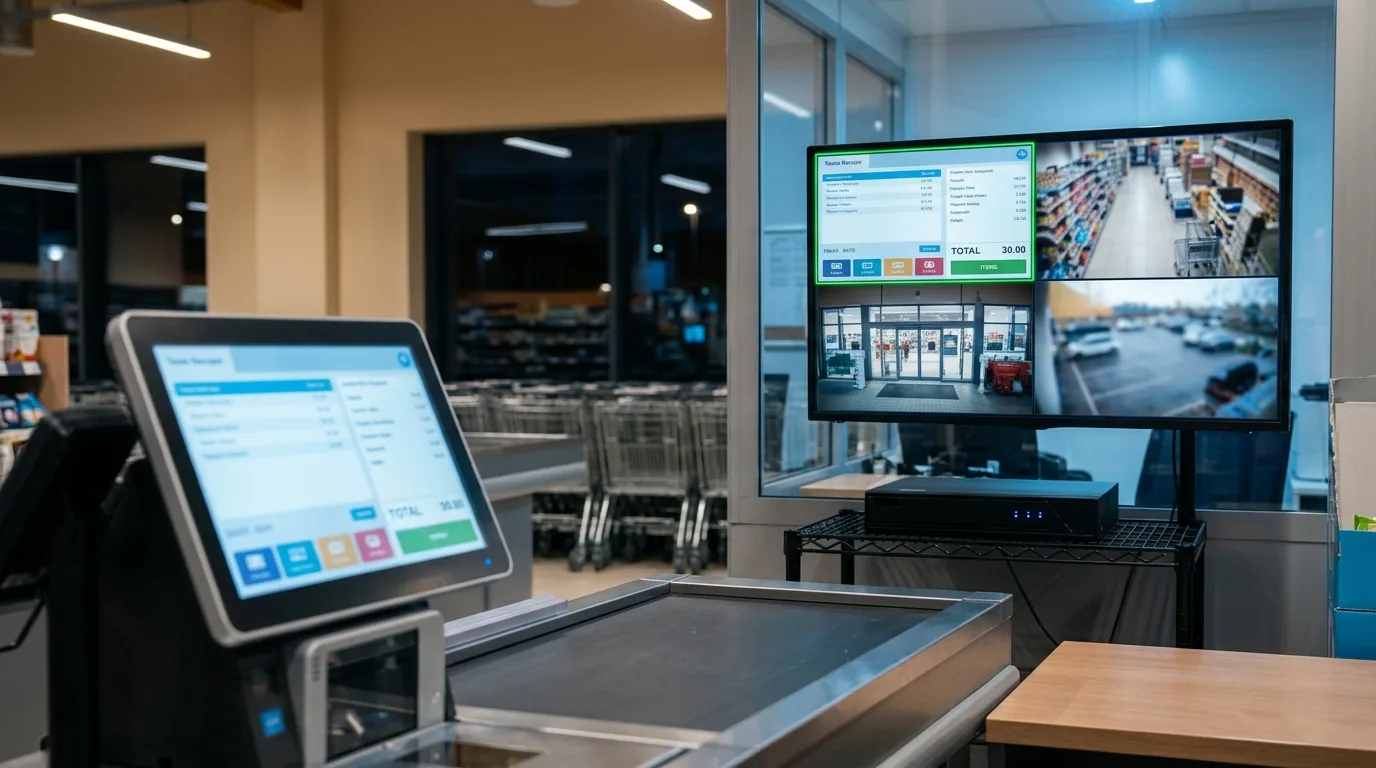
- Rename the channel on the NVR, for example Cash register 1, so it is easy to find on the phone.
- Put the screen channel next to the counter camera in the same view.
- Turn on motion recording, so playback jumps straight to the moments the screen changed.
FAQ
Do I need to open ports for the PC?
No. Your phone reaches the NVR the same way it already does for the cameras. The PC only talks to the NVR on the local network.
Can I play back the screen on the phone?
Yes, if the NVR records the channel. Use the playback view of your NVR app, like for any camera.
Does it use a lot of mobile data?
The sub stream is light. Switch to HD only when you need to read small text.