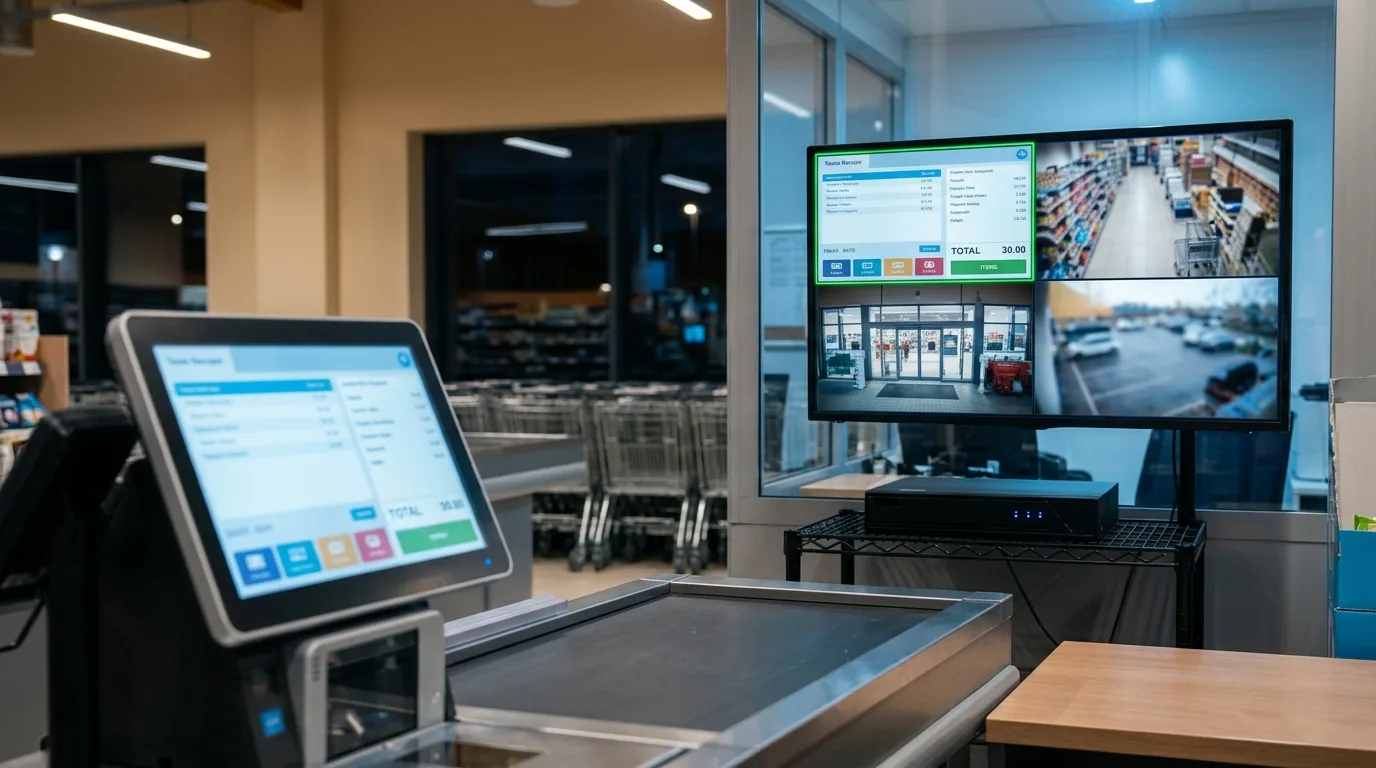
Why record the terminal screen
- Drive-offs and disputes: match the pump camera with the exact pump and amount on the terminal.
- Shift cash-up: check every sale of a shift next to the cash drawer camera.
- Night shifts: the owner can watch the terminal screen live from the NVR app.
- One archive: pumps, shop and terminal on the same NVR timeline.
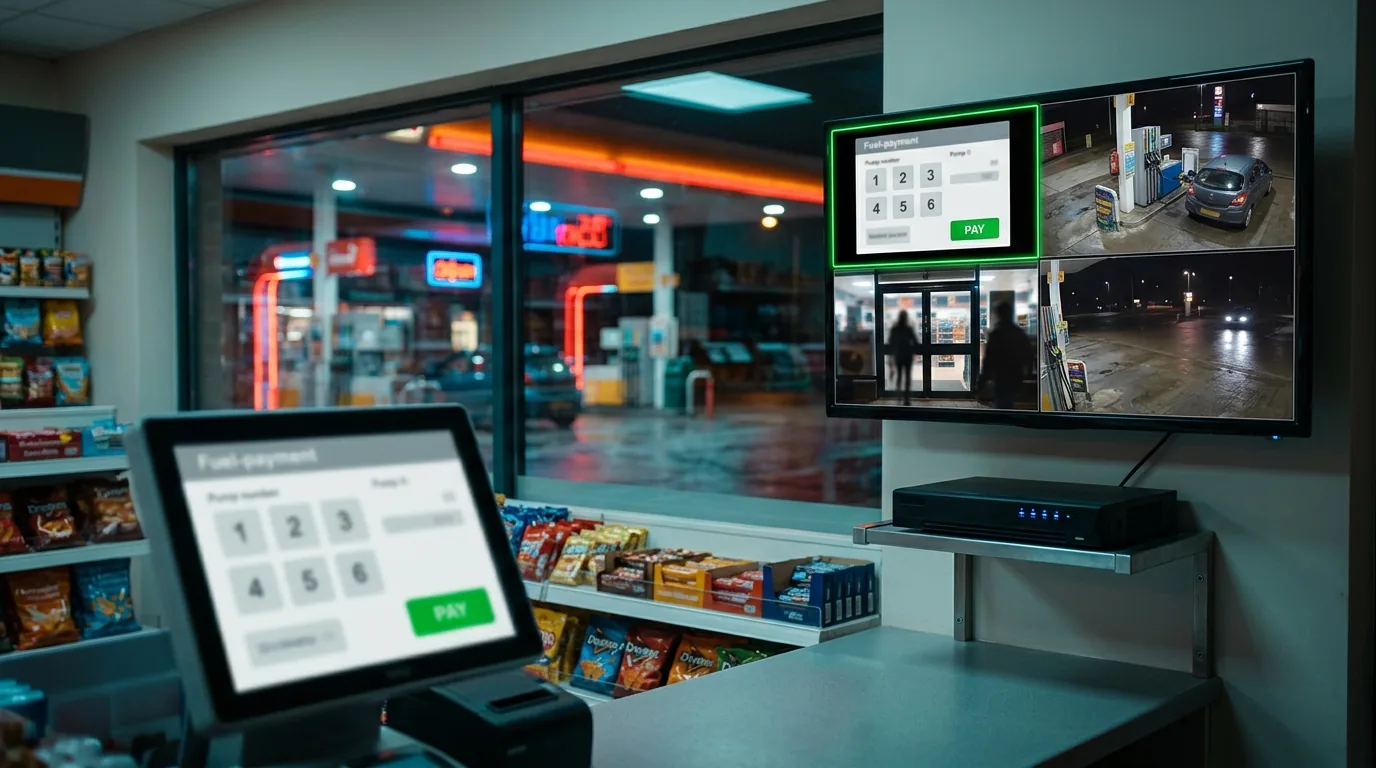
How it works
Screen2ipcam runs on the Windows PC of the terminal and publishes its screen as a standard ONVIF / RTSP camera. The NVR adds it like any IP camera, so it gets the same recording, playback and export as the pump cameras. No capture card or HDMI encoder.
Setup in 4 steps
- Install Screen2ipcam on the terminal PC (Windows 7 SP1 to 11, 32 or 64-bit).
- Give the PC a fixed IP address on the station network.
- Add the PC on the NVR with ONVIF, port
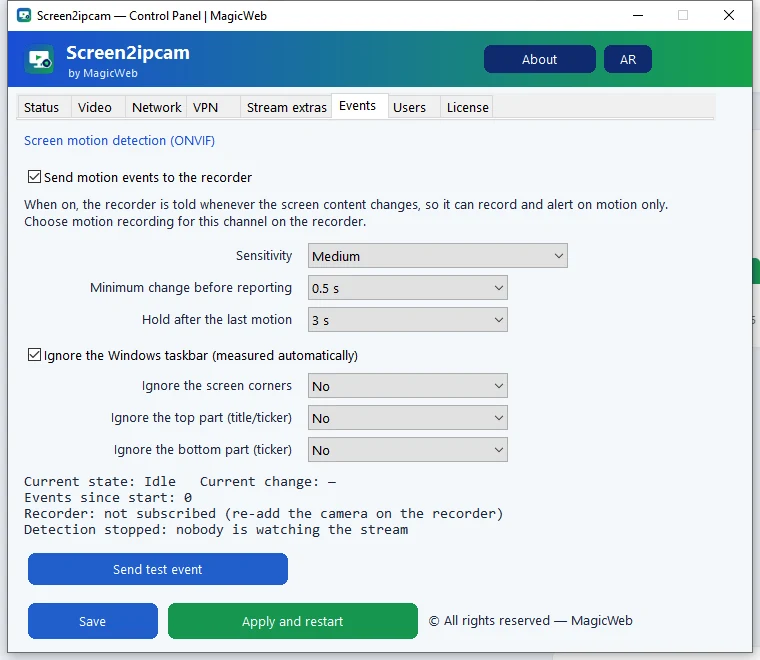
8000, useradmin. - Turn on motion recording, so every new sale on the screen is recorded.
Brand guides: Hikvision · Dahua.
Settings for a station
Resolutionnative, or 1280×720
Frame rate5 to 10 FPS
Recordingon motion, with pre-record
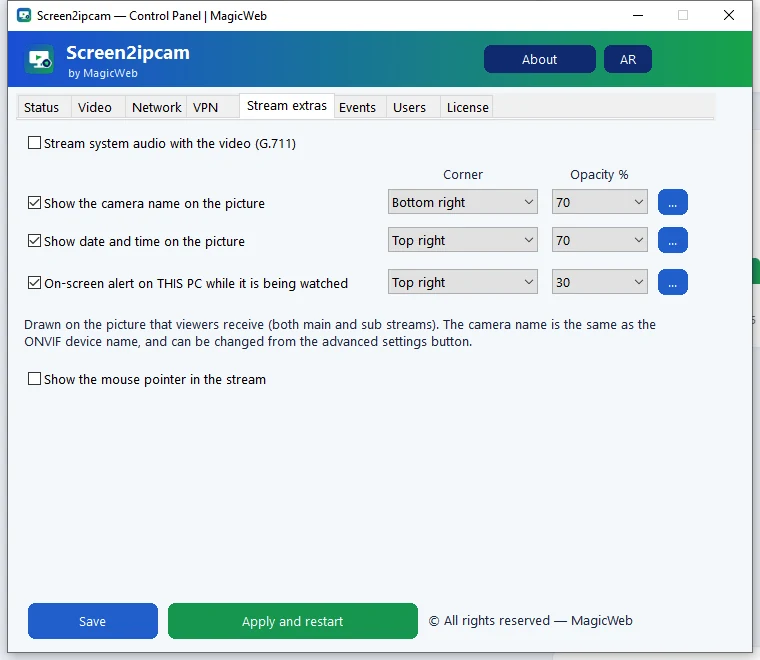
Layoutterminal channel next to the pump and cashier cameras
Try it on your own NVR14-day full trial · $20 one-time per PC · free edition on the Microsoft Store
Download free trialFAQ
Will it slow down the terminal?
No. It uses about 2% CPU and runs in the background as a Windows service.
Does it need internet?
No. Video stays on the station network and the license is activated offline.
Can the owner watch from home?
Yes, through the NVR app on the phone, like the cameras. How it works.