Why record operator screens
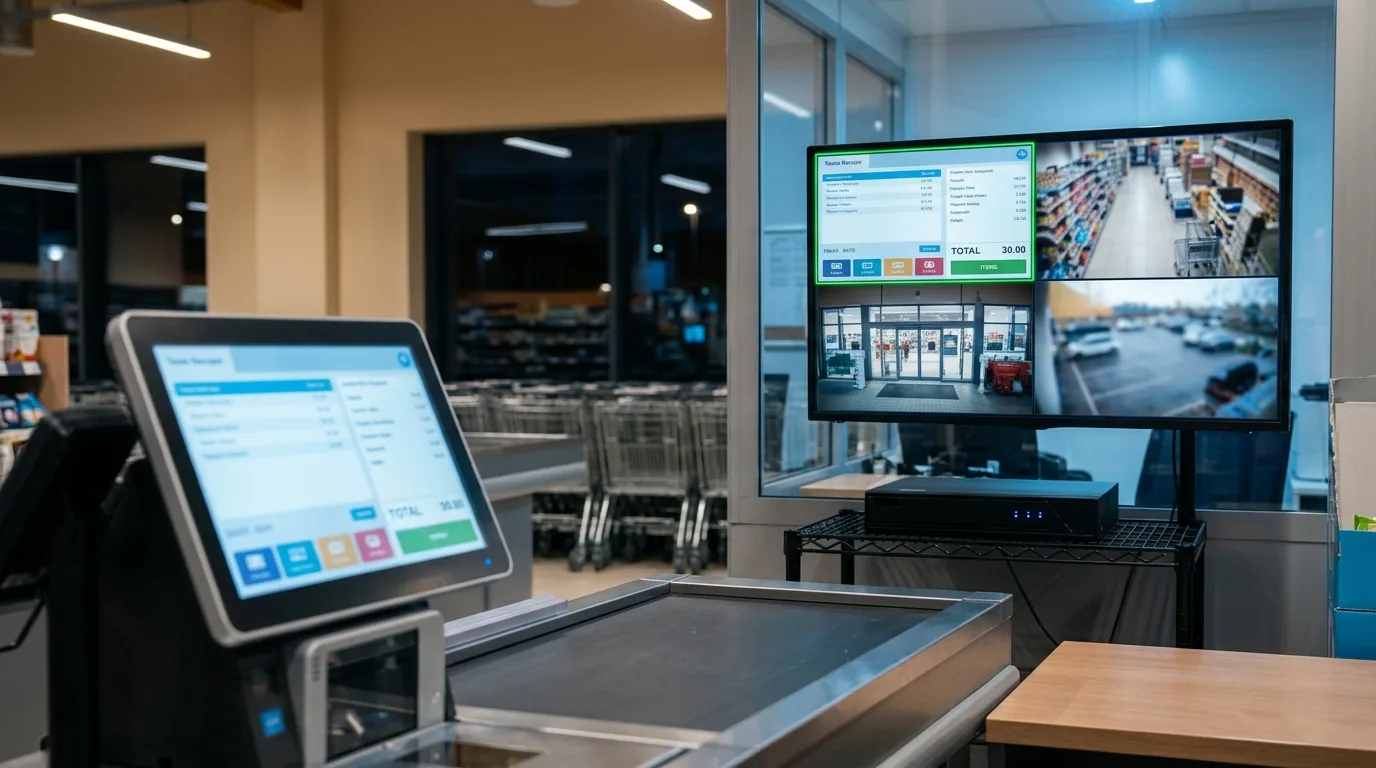
- Incident review: replay the operator screen next to the floor camera, at the same time code.
- Shift handover: see which alarms and values were on screen during the last shift.
- Training: show new operators real sequences from your own plant.
- One archive: screens and cameras share the same VMS retention, search and user rights.
How it works
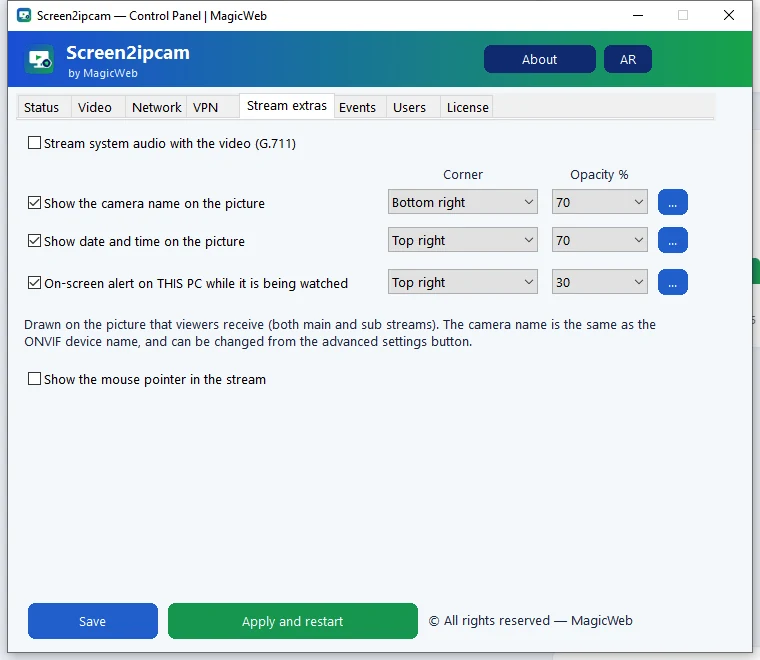
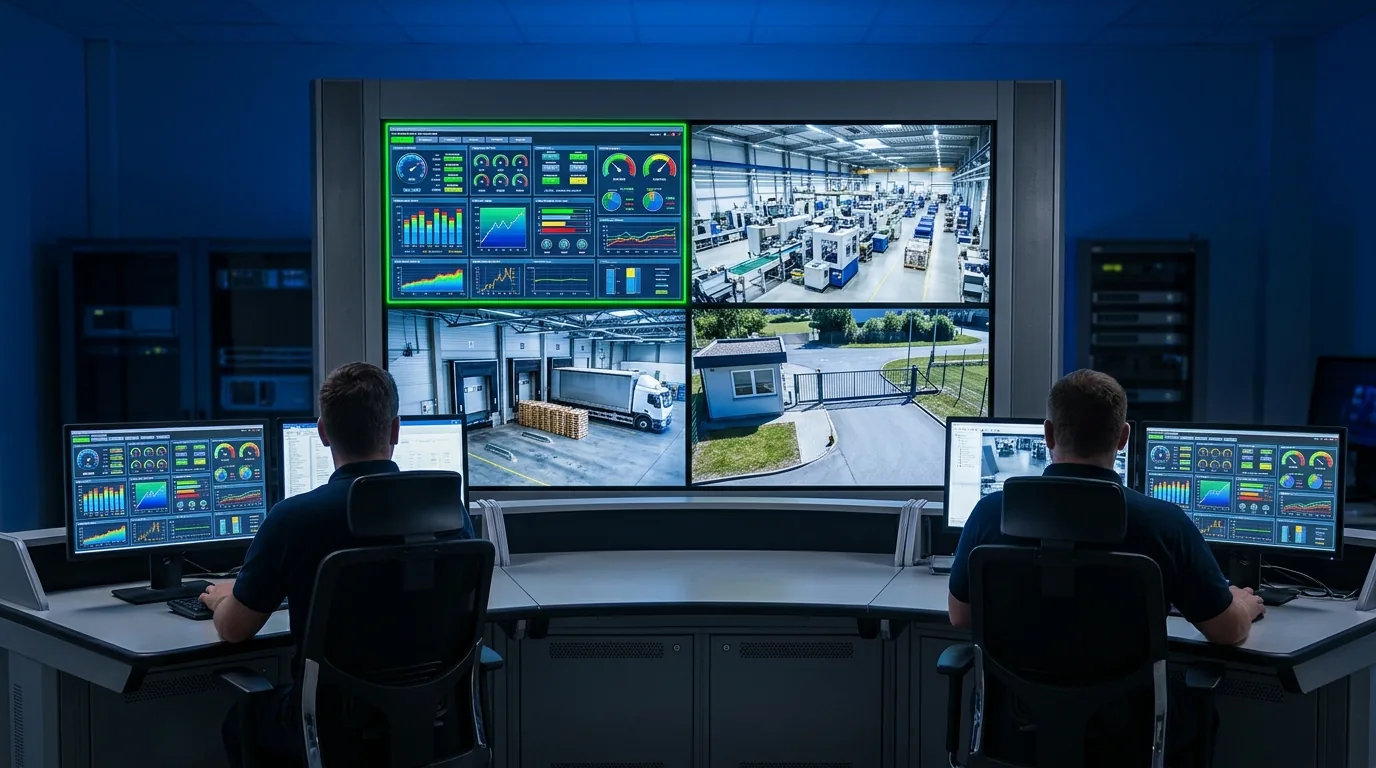
Screen2ipcam runs on the operator Windows PC and publishes the main display as an ONVIF Profile S camera with an H.264 RTSP stream. It only reads the screen and does not touch the control software. It runs as a Windows service, starts with Windows and uses about 2% CPU. Video stays on the plant network and the license is activated offline.
The Windows Server edition keeps streaming on the logon screen, uses fixed ports and installs silently with a settings file.
Setup in 4 steps
- Install Screen2ipcam on each operator PC.
- Give each PC a fixed IP address on the same network or VLAN as the recorder.
- Add each PC on the VMS with ONVIF (port
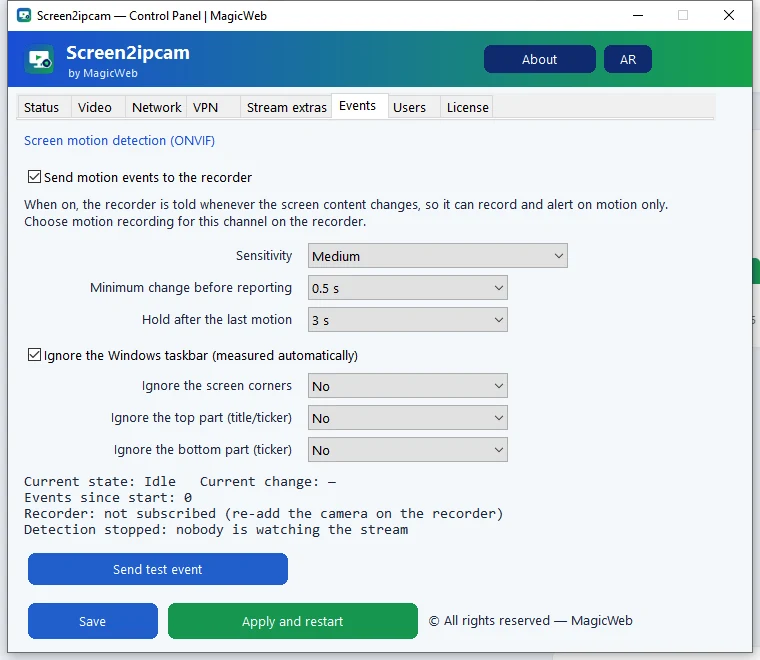
8000) or by RTSP:rtsp://PC-IP:554/screenlive. - Record on motion, so static screens use little disk and every change is kept.
Settings for control rooms
Step-by-step for your VMS: Nx Witness · Hikvision · Dahua · firewall ports.
FAQ
Does it need internet?
No. Video stays on your local network and the license is activated offline.
Will it affect the HMI or SCADA software?
No. It only captures the screen image and uses about 2% CPU.
Which VMS can record it?
Any VMS or NVR that supports ONVIF cameras, for example Nx Witness, Hikvision, Dahua and Blue Iris. Anything that opens an RTSP stream can use it too.