Why pharmacies record the POS screen
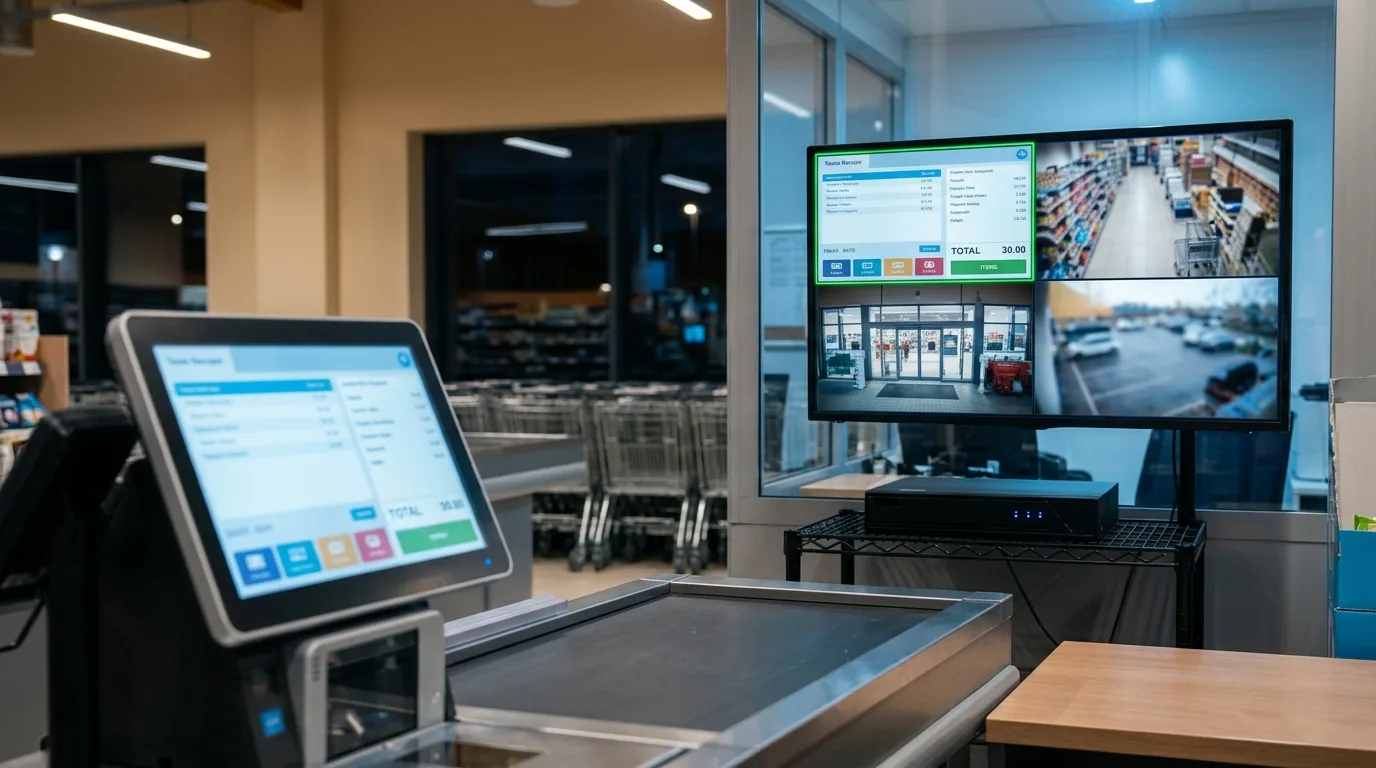
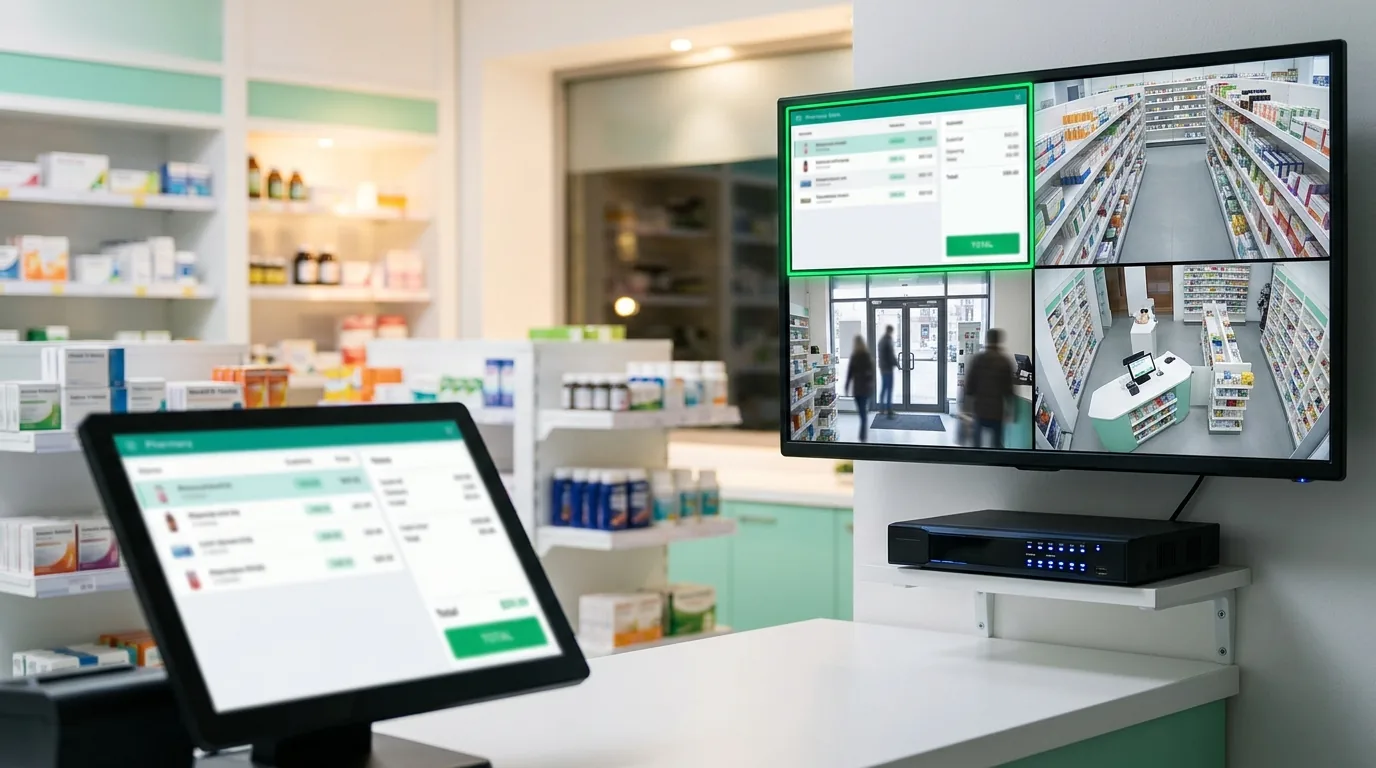
Most counter disputes come down to what was typed: the item, the price, the discount, the return. The ceiling camera shows hands and boxes, but the screen is small and angled away, so it cannot be read on video.
- Price and discount questions: see the exact line and total at the exact second.
- Returns and voids: check what was removed from the bill and when.
- Shift handover: review the till screen next to the cash drawer camera.
- Several branches: the owner watches every counter screen from the NVR app.
What you get
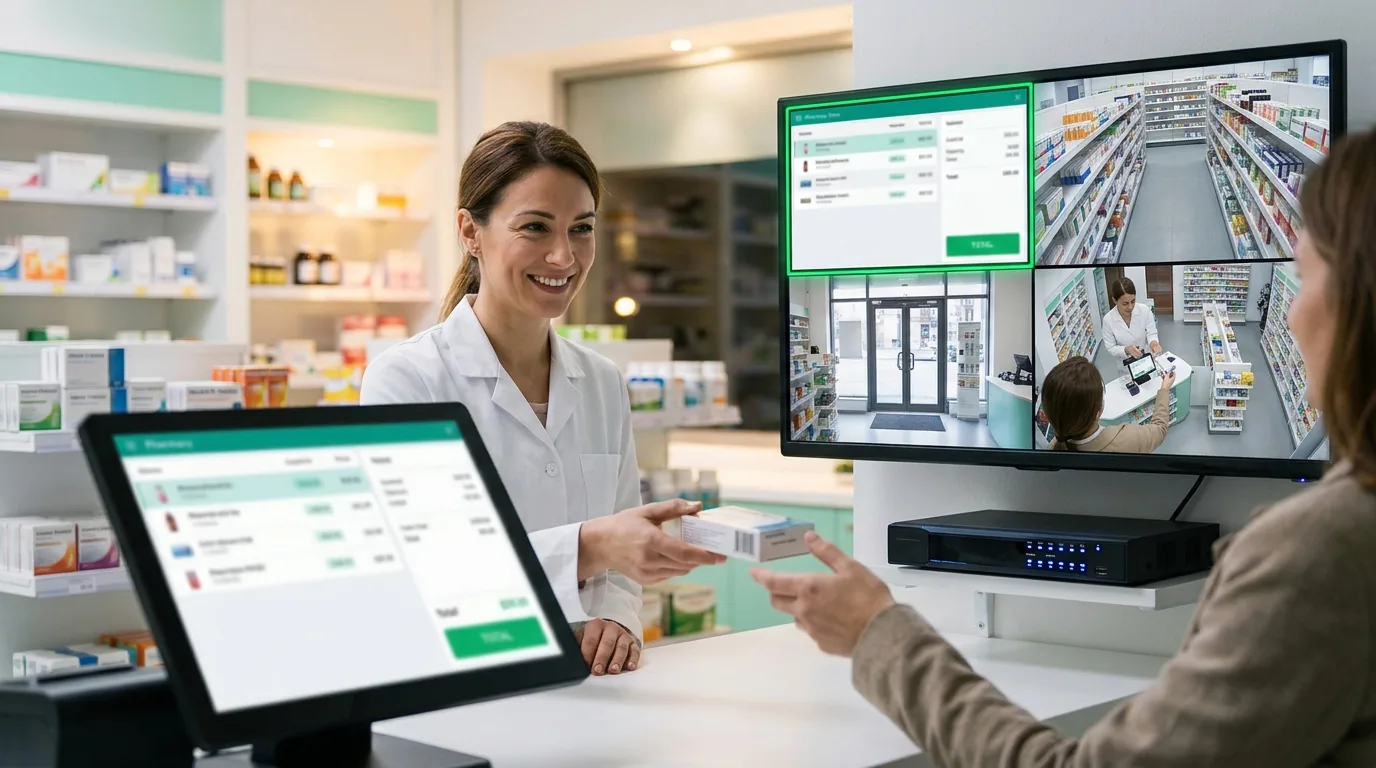
Screen2ipcam runs on the pharmacy PC and publishes its screen as a standard ONVIF / RTSP camera. On the NVR it is one more channel: same timeline, same playback, same export. Put it next to the counter camera and you see the person and the screen together.
No capture card, no HDMI encoder, no extra cables. Older pharmacy PCs with Windows 7 or 32-bit Windows work too.
Setup in 4 steps
- Install Screen2ipcam on the pharmacy POS PC.
- Give the PC a fixed IP address (or a DHCP reservation on the router).
- On the NVR, search for ONVIF devices or add the PC by its IP, port
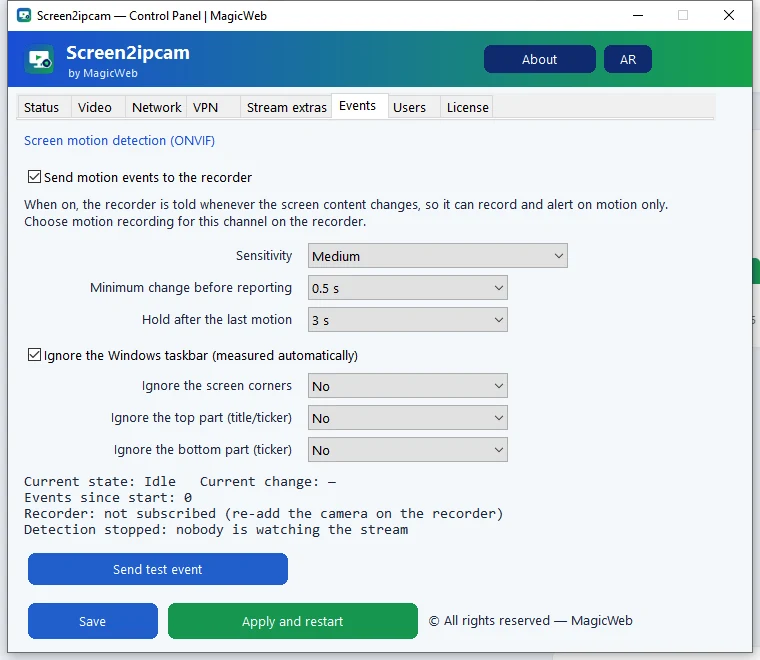
8000, useradmin. - Turn on motion recording, so the NVR records only when the screen changes.
Brand guides: Hikvision · Dahua · Nx Witness · Blue Iris.
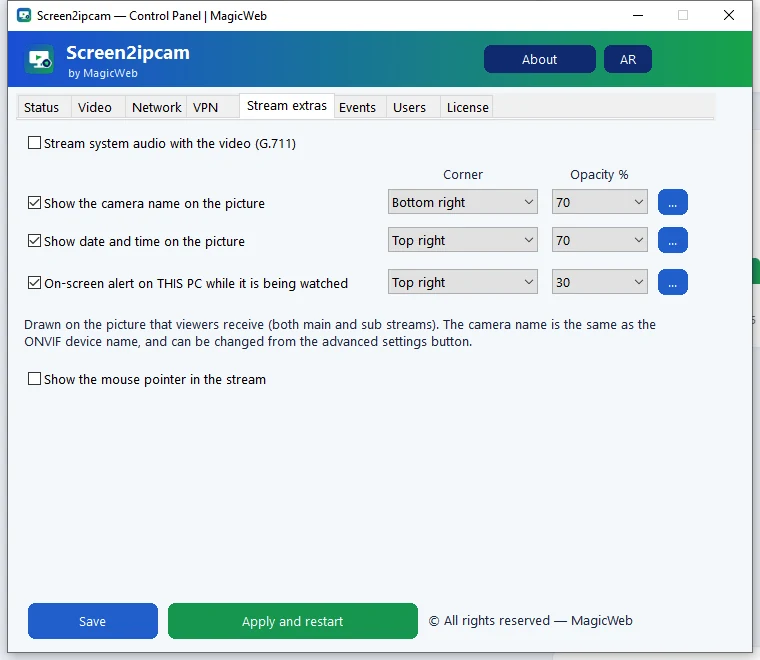
Settings that work well at the counter
Watch the counter from your phone
The NVR mobile app shows the screen channel like any camera. Screen2ipcam also sends a light sub stream, so it opens fast on mobile data. How to watch it on your phone.
FAQ
Will it slow down the pharmacy system?
No. It uses about 2% CPU and runs in the background as a Windows service.
Does the recording leave the pharmacy?
No. Video stays on your local network and goes only to your own NVR or VMS. The license is activated offline.
Can I record several counters?
Yes. Install it on each counter PC and add each one as a separate channel. Each PC needs its own license.
Which recorders work with it?
Any NVR or VMS that supports ONVIF cameras, for example Hikvision, Dahua, Nx Witness and Blue Iris.